Stay Up To Date
We believe in keeping you in the loop with all the latest happenings in our courses and system. On this page, you'll find a comprehensive log of all the exciting changes, improvements, and additions we make to our courses and system. Whether it's a new feature, a course enhancement, or a system update, we've got you covered. Bookmark this page and check back regularly. We're committed to ensuring that your learning experience remains exceptional and that you have all the information you need to succeed.

New Features

New Updates

Resources & Tools

Important Updates
Here are some of the most recent updates we thought would be helpful to take note of

Improved Feature: Standard Builder Sticky Notes 2.0
Adding Sticky Notes to your workflows helps you easily note information down and color-code branches for simplified navigation. However, the information it supported was too basic, which is why we’ve increased its capabilities. Let's check the changes!
⭐️How Will These Changes Affect You?:
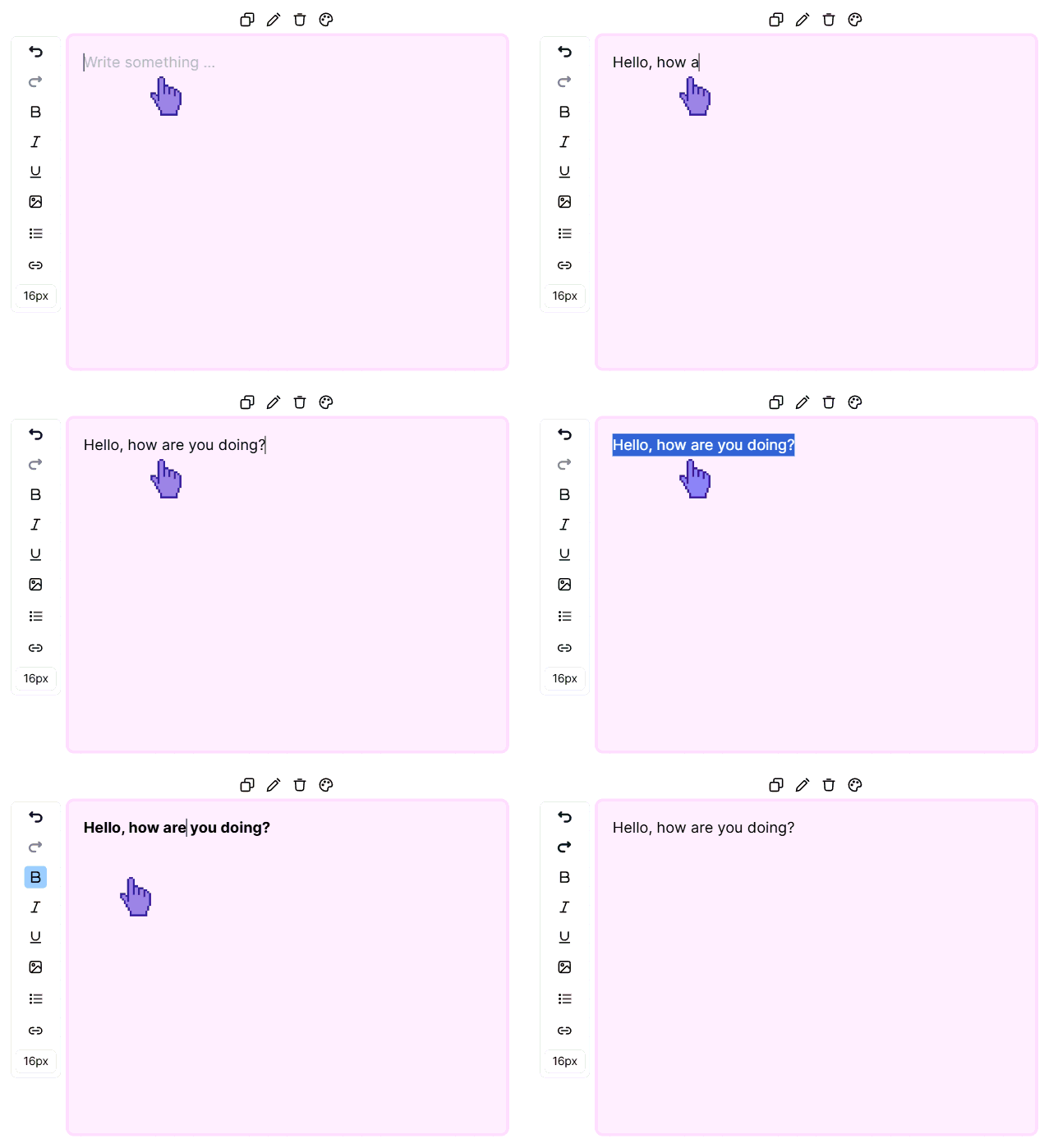
Rich Text Editor: Leave rich annotations to customize your text with all standard options for clearer messaging.
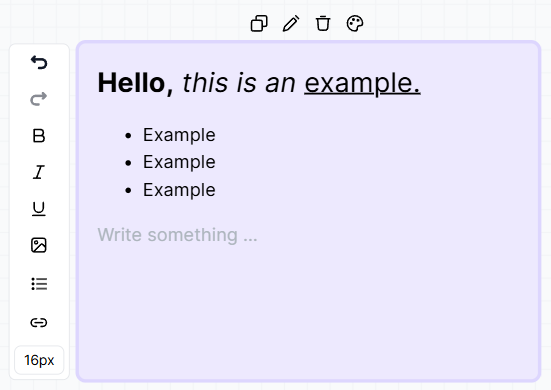
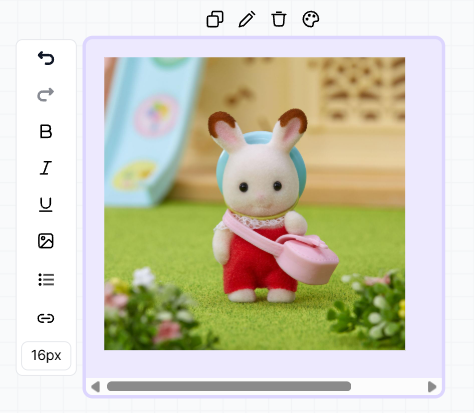
Image Support: Add images, such as your logo or inspirational pictures, directly to your workflows.
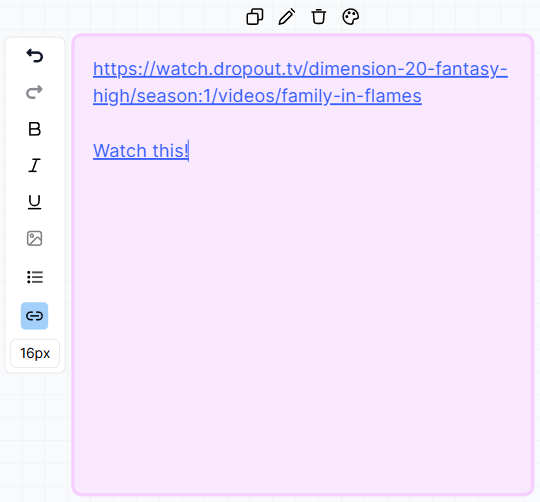
Direct Link Embedding: Enter links or highlight text to connect with external pages and give your team easy access to those resources.
⭐️How To Add A Sticky Note To A Workflow?
Let’s learn how to unlock the full potential of workflows with the help of the improved sticky notes!
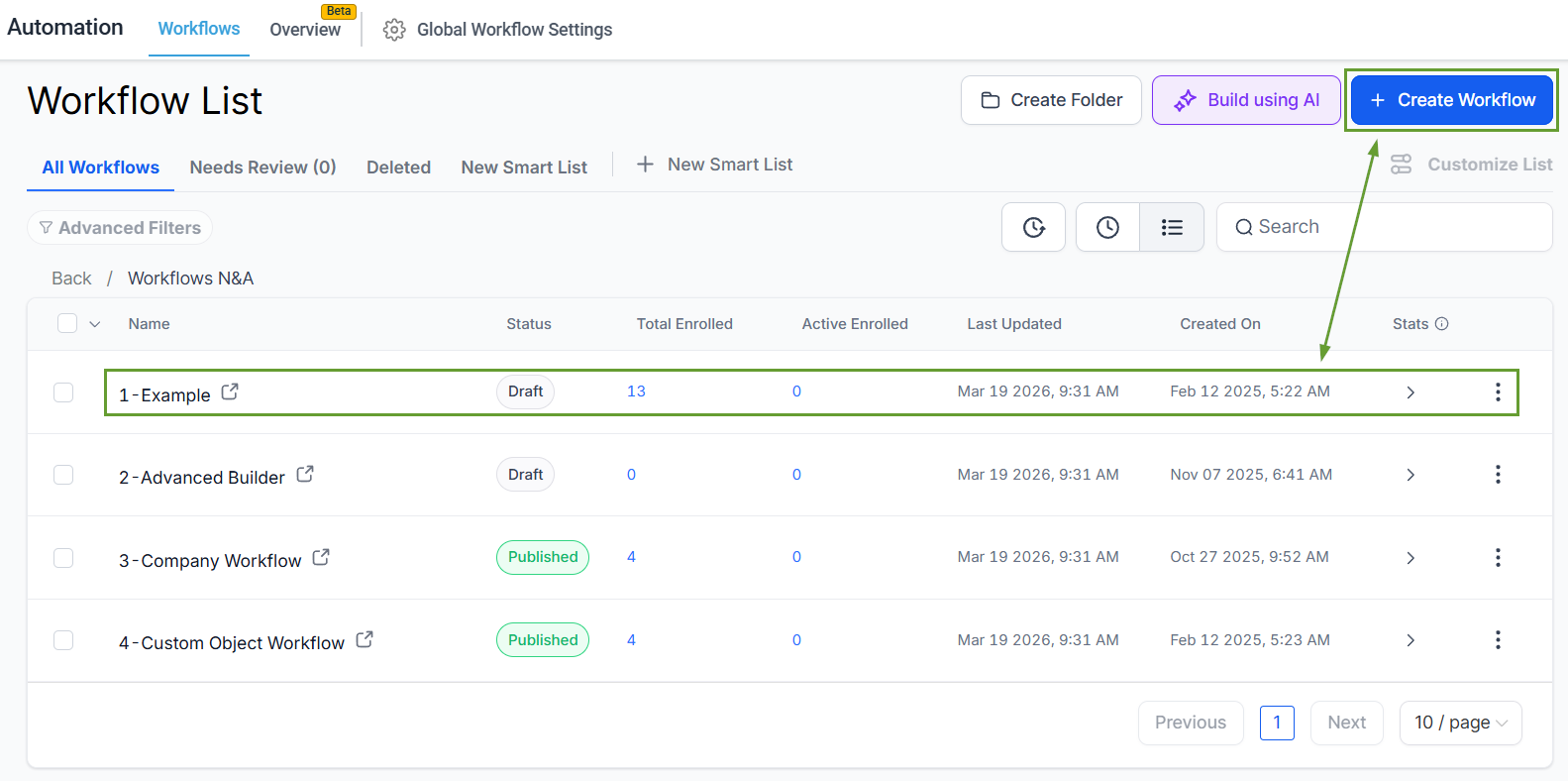
Head to the workflows tab inside the automation section and create or edit a Standard Builder Workflow.
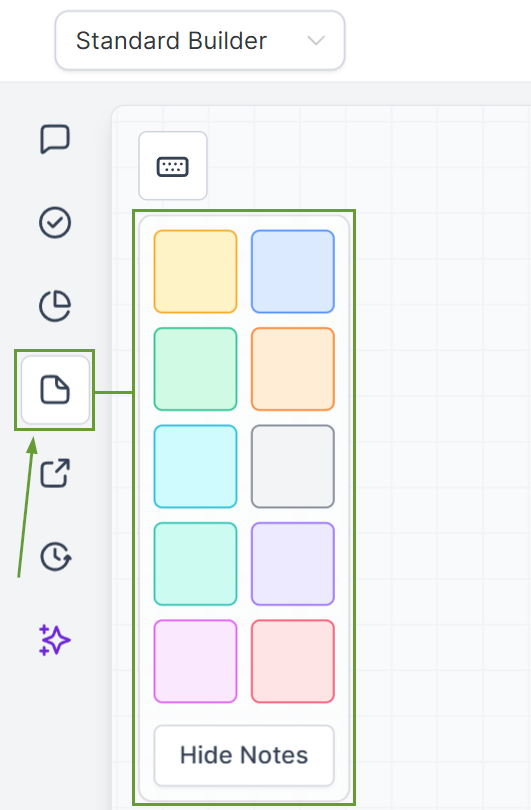
Click the Sticky Note icon and select your desired color.
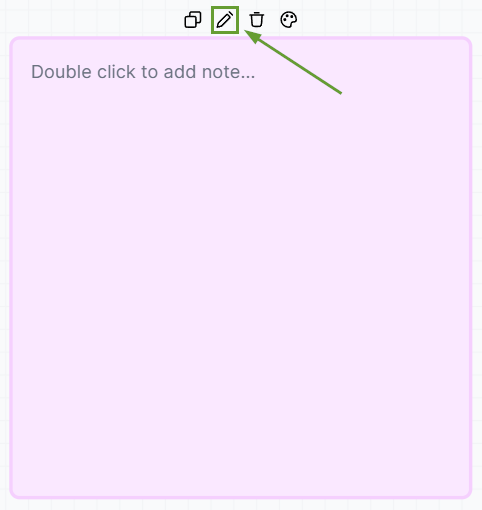
Click the pencil icon to edit your note.
Customize the Sticky Note’s content to your liking.
Once done customizing, simply save your workflow. The power of sticky notes is now on your side, allowing for complete communication and annotation within your workflows. We hope you enjoy it!
