Stay Up To Date
We believe in keeping you in the loop with all the latest happenings in our courses and system. On this page, you'll find a comprehensive log of all the exciting changes, improvements, and additions we make to our courses and system. Whether it's a new feature, a course enhancement, or a system update, we've got you covered. Bookmark this page and check back regularly. We're committed to ensuring that your learning experience remains exceptional and that you have all the information you need to succeed.

New Features

New Updates

Resources & Tools

Important Updates
Here are some of the most recent updates we thought would be helpful to take note of

New Feature: Fathom Actions & Triggers
Fathom automatically transcribes and summarizes. Since this information is critical to customer relationships, we’ve added a connection to it in workflows to help you easily include this data in the CRM. Let's learn how!
⭐️ How To Use Fathom Actions & Triggers?
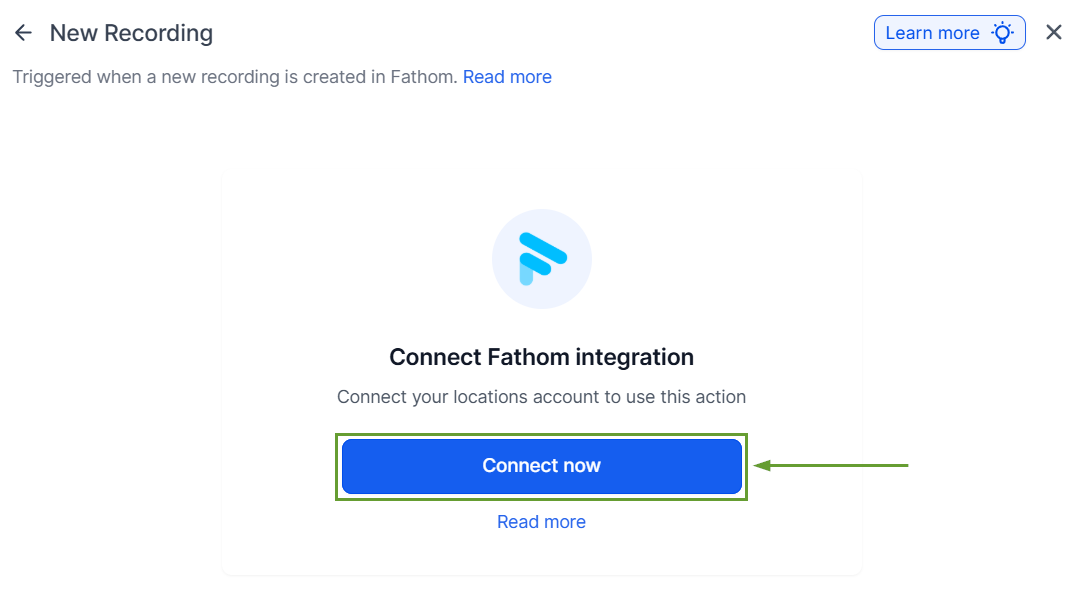
First, head to the Integration section inside your account settings and click “connect” under Fathom.
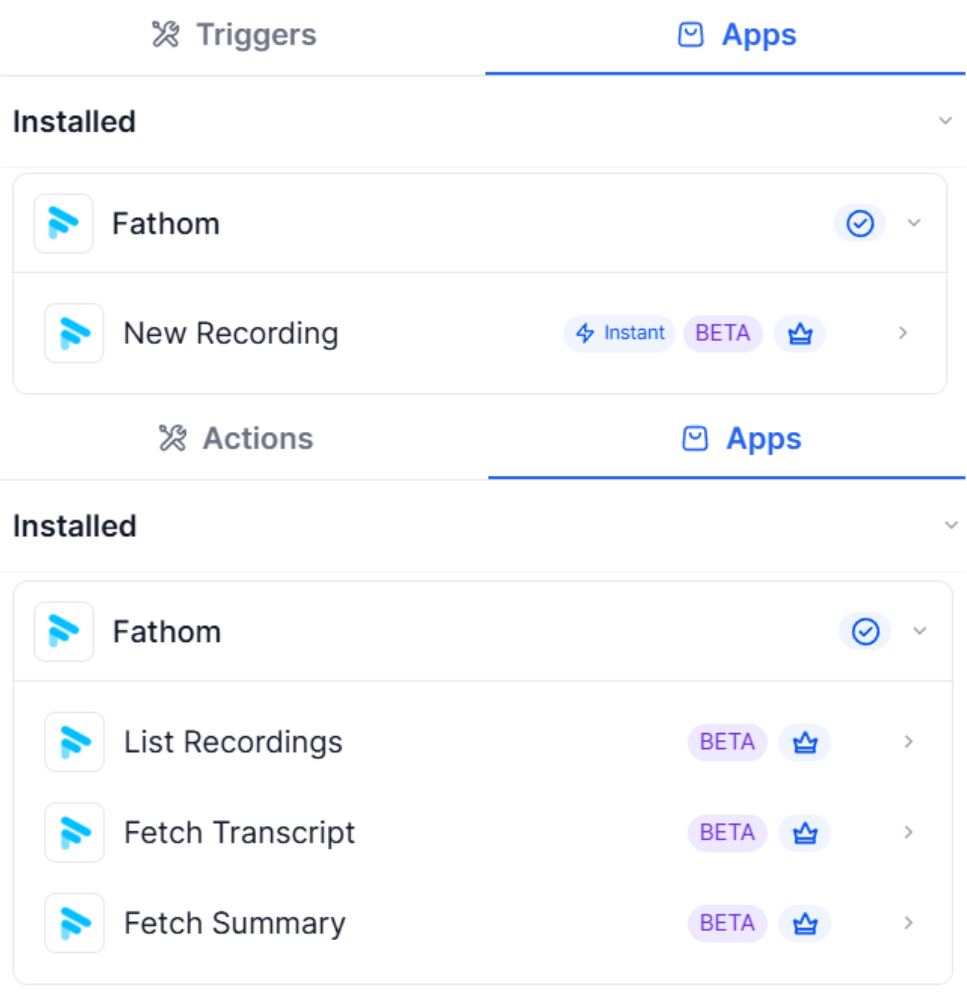
Choose a Fathom trigger or action.
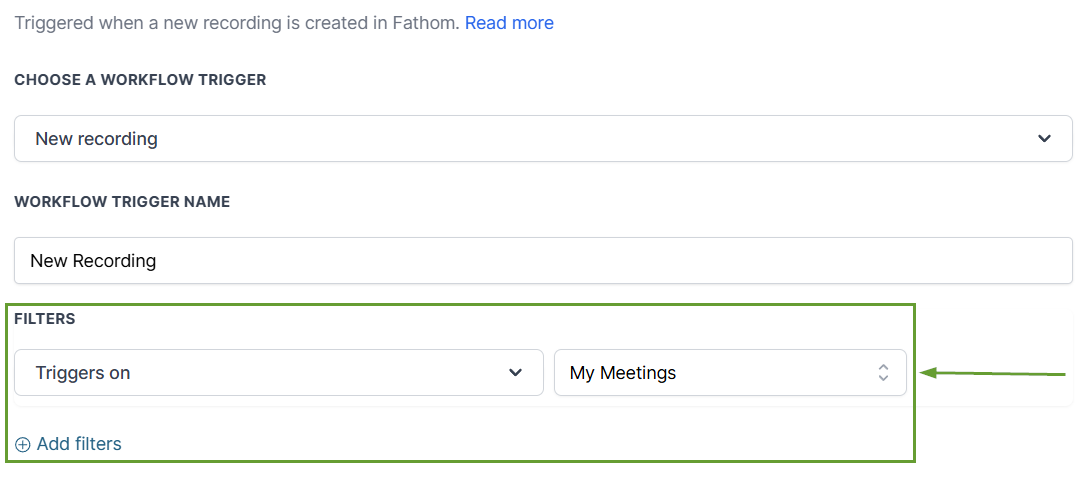
Fields will appear to specify the meetings to interact with.
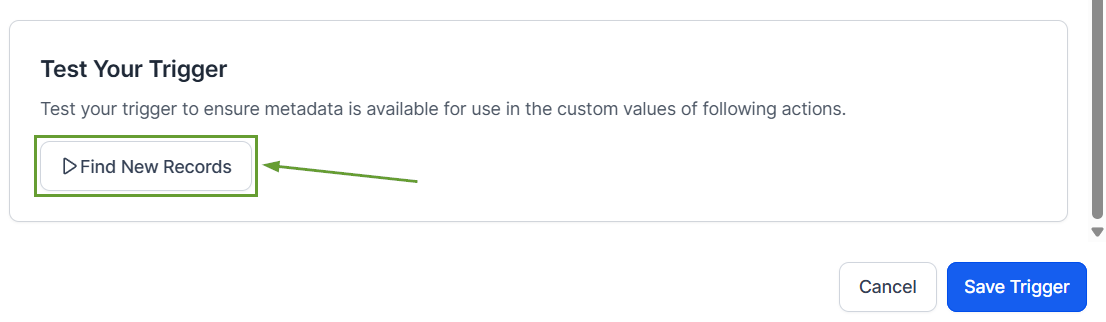
Test your trigger or action before saving to ensure proper connection.
⭐️Why Is This Feature Beneficial To Your Company?
Easy Data Management: Use meetings as the starting point of conversations or add information into the system thanks to this connection.
Information Organization: You can match contacts using participant details within your workflow to keep meeting notes, summaries, and transcripts.
Automated Syncronization: This reduces manual updates and eliminates the need for third-party automation tools by building an integrated bridge.
The integration helps you turn meeting conversations into automated workflows such as follow-ups, task creation, and internal notifications without manual effort. We hope you enjoy it!
