Stay Up To Date
We believe in keeping you in the loop with all the latest happenings in our courses and system. On this page, you'll find a comprehensive log of all the exciting changes, improvements, and additions we make to our courses and system. Whether it's a new feature, a course enhancement, or a system update, we've got you covered. Bookmark this page and check back regularly. We're committed to ensuring that your learning experience remains exceptional and that you have all the information you need to succeed.

New Features

New Updates

Resources & Tools

Important Updates
Here are some of the most recent updates we thought would be helpful to take note of
New Feature: Requested to Join Group Trigger
Previously, you could not connect join request data to workflow automations. However, as communities grow, you need an efficient way to screen, route, and act on incoming requests. This trigger allows you to build intelligent approval flows that use the content of member responses. Let’s learn how to use it!
⭐️ How To Use The Requested to Join Group Trigger?
Go to the Workflows tab inside the Automation section and create or edit a new workflow.
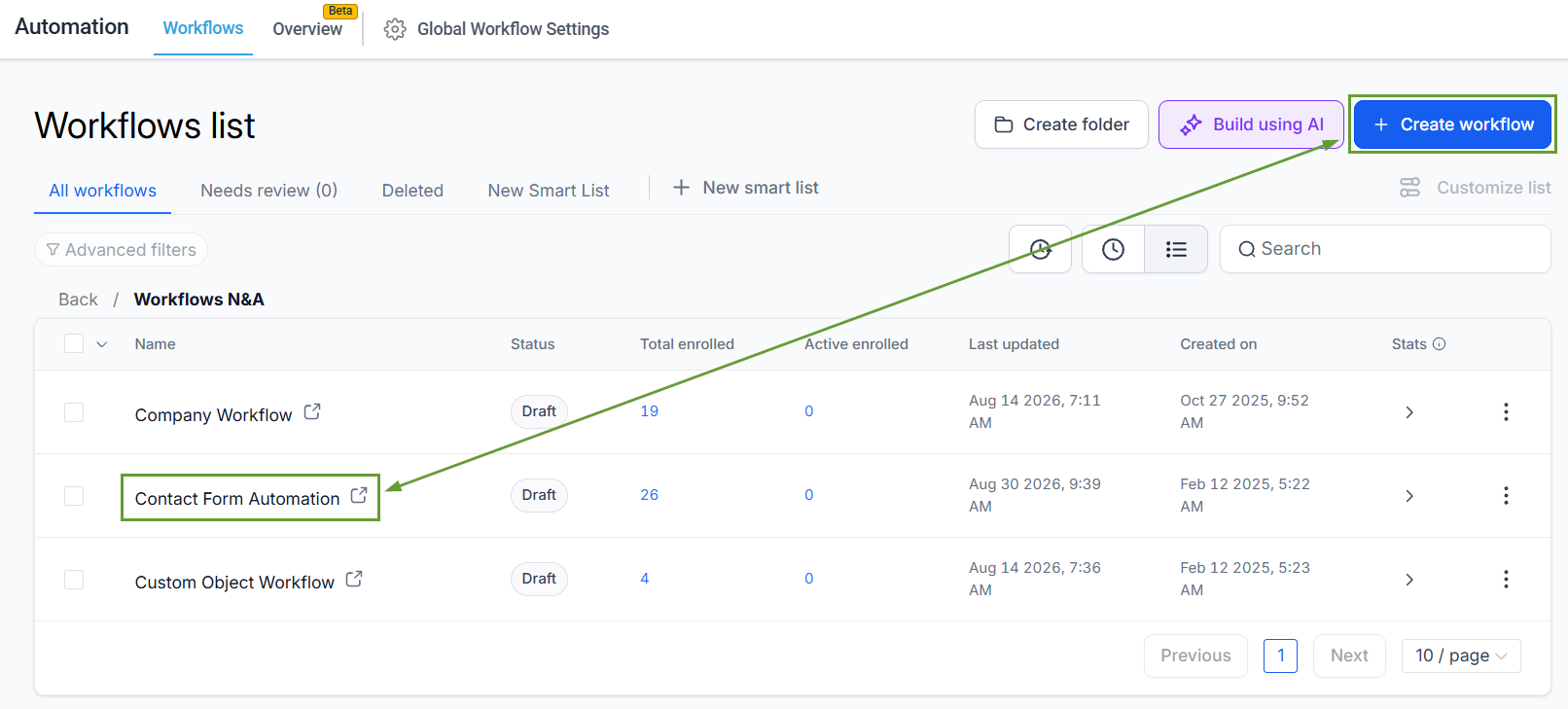
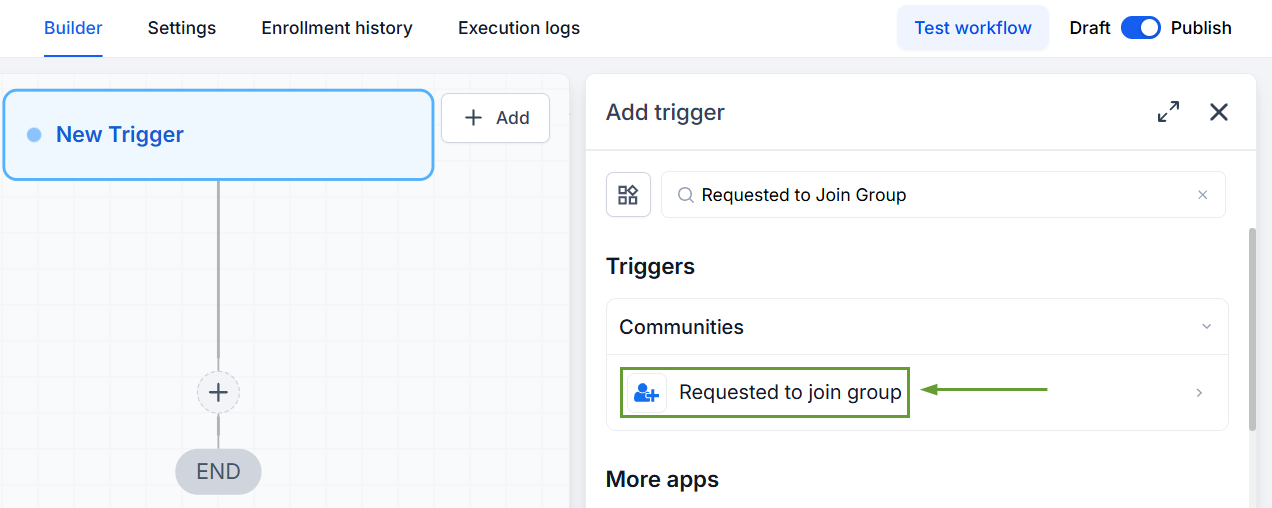
Add the “Requested to Join Group” trigger.
Select an operator, then choose the target group.
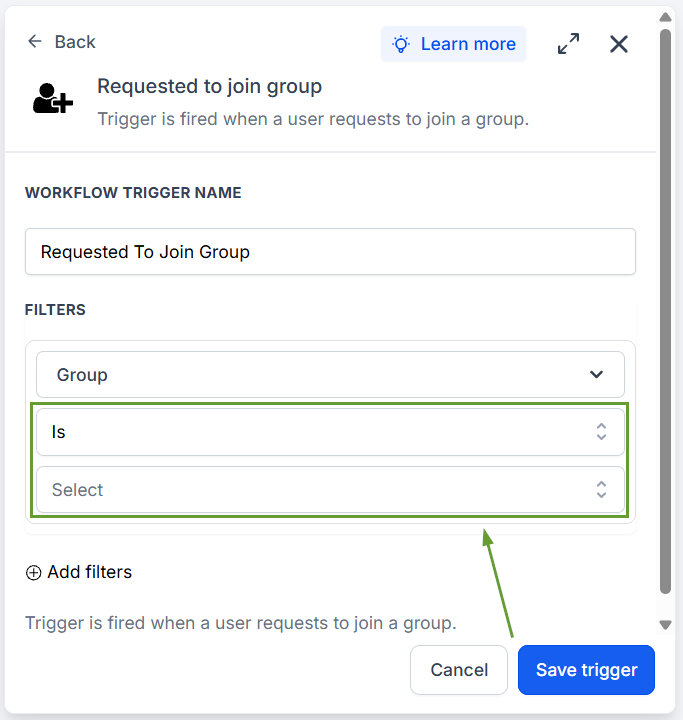
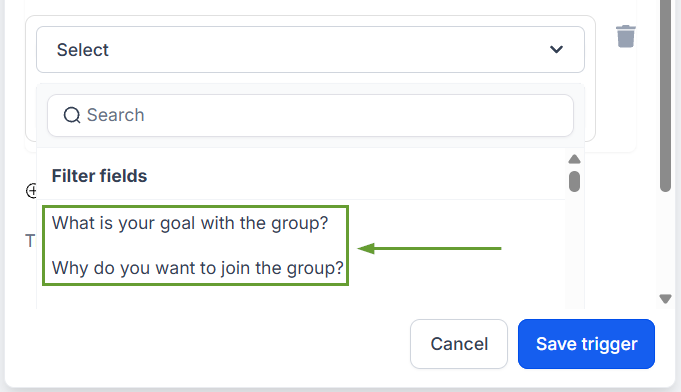
Membership questions configured for that group appear as Filter fields.
⭐️Why Is This Feature Beneficial To Your Company?
Improved Request Management: The trigger helps you manage growing communities without becoming overwhelmed, with automations that encompass the entire join request lifecycle.
Question-Based Filters: Create workflows that route differently based on what users say with the integrated filter fields that Membership Questions create.
AI-Powered Screening: Membership question responses can be passed into GPT prompts inside workflows, allowing you to manage requests, grant group access, or flag them for manual review.
This helps you manage Groups with request-based access enabled. No changes are needed on the member-facing side; the join request experience remains the same. And the automation happens behind the scenes. We hope you enjoy it!
