Stay Up To Date
We believe in keeping you in the loop with all the latest happenings in our courses and system. On this page, you'll find a comprehensive log of all the exciting changes, improvements, and additions we make to our courses and system. Whether it's a new feature, a course enhancement, or a system update, we've got you covered. Bookmark this page and check back regularly. We're committed to ensuring that your learning experience remains exceptional and that you have all the information you need to succeed.

New Features

New Updates

Resources & Tools

Important Updates
Here are some of the most recent updates we thought would be helpful to take note of
Improved Feature: Pause Workflow Actions
Turning off individual nodes lets you experiment freely without breaking your automation, a feature missing from the Standard Builder. With this update, you can now disable any action inside a workflow without deleting it. Let's check how it works!
⭐️How Will These Fields Work?:
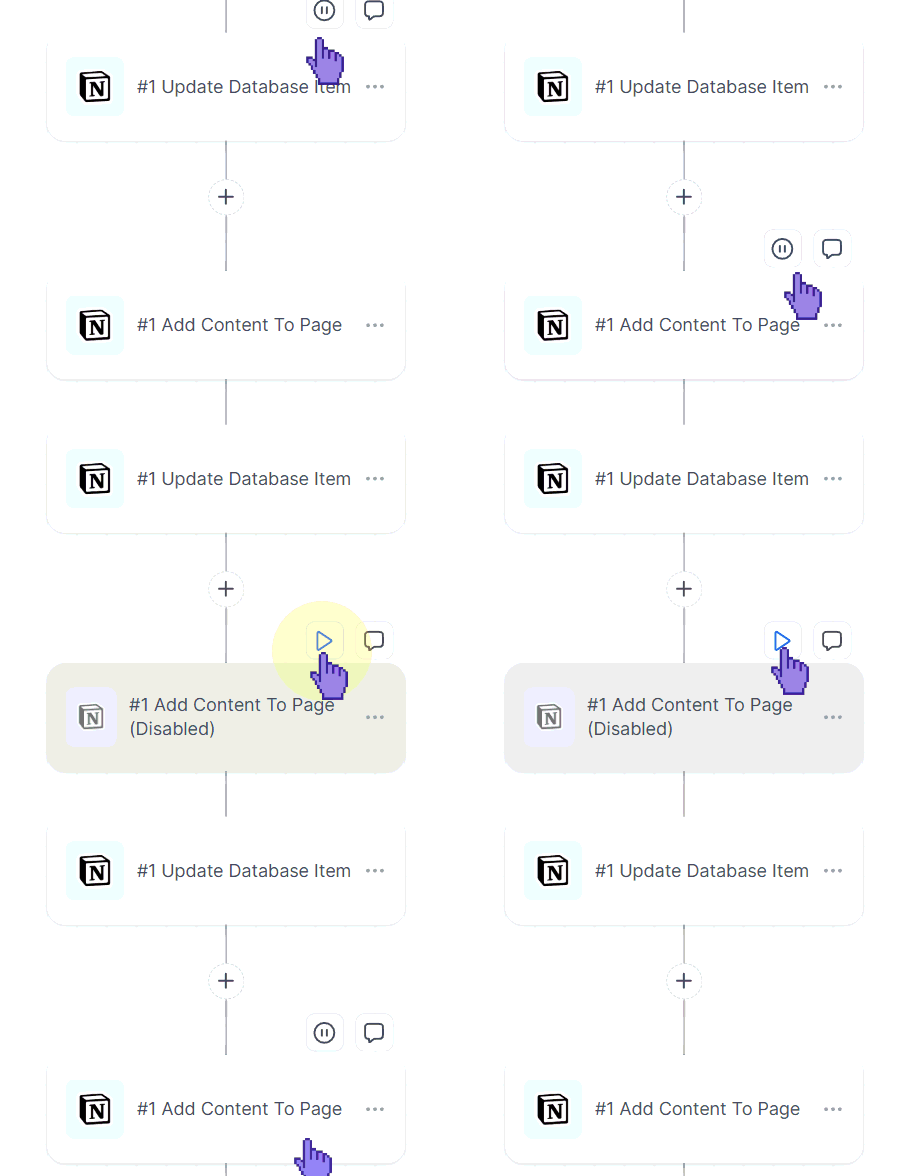
Step Behavior: If a disabled node is the only path to downstream steps, the contact will skip the disabled nodes and only execute the active nodes.
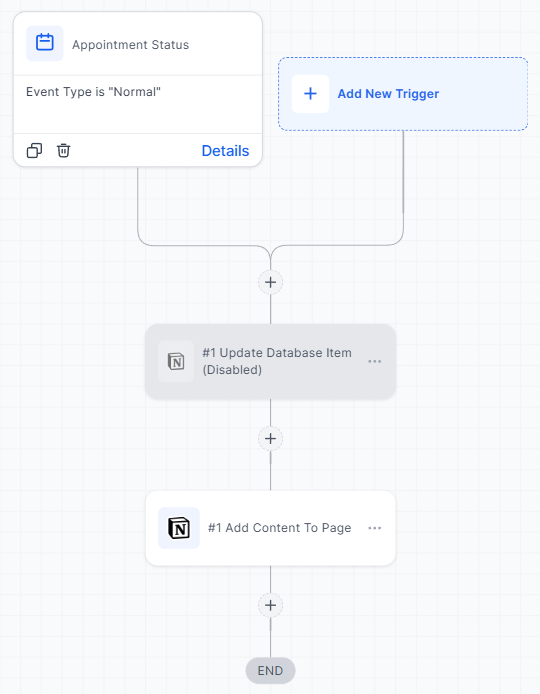
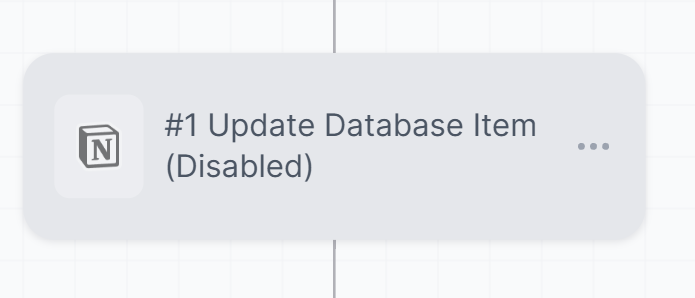
Paused Actions: Disabled nodes are visibly dimmed and skipped during execution.
Reactivated Actions: Enabled nodes run normally once reactivated.
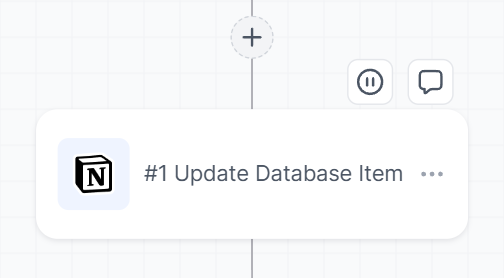
⭐️How To Pause Workflow A Action?
You might be familiar with this process if you’ve used the advanced builder. To do it, follow these simple steps.
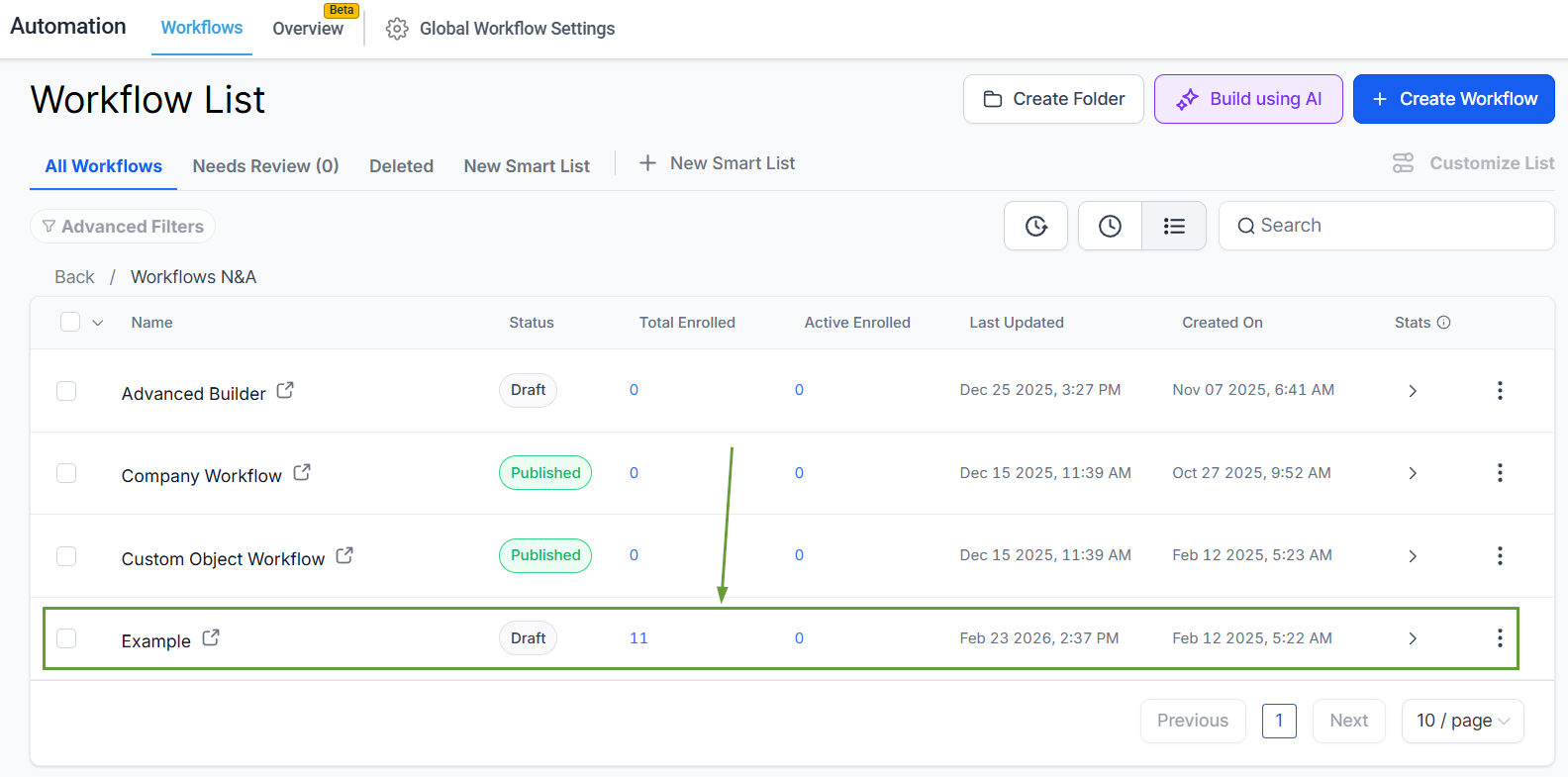
Head to the Workflows tab inside the Automation section and edit any regular workflow.
In the Standard Builder, hover over any node and click the Pause/Play icon.
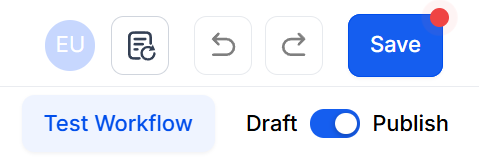
Save your changes if editing a published workflow.
Previously, stopping a step meant deleting or disconnecting it, risking lost work and broken logic. We hope this update gives you confidence and improves testing, troubleshooting, and iteration.
