Stay Up To Date
We believe in keeping you in the loop with all the latest happenings in our courses and system. On this page, you'll find a comprehensive log of all the exciting changes, improvements, and additions we make to our courses and system. Whether it's a new feature, a course enhancement, or a system update, we've got you covered. Bookmark this page and check back regularly. We're committed to ensuring that your learning experience remains exceptional and that you have all the information you need to succeed.

New Features

New Updates

Resources & Tools

Important Updates
Here are some of the most recent updates we thought would be helpful to take note of
New Feature: Linear Actions & Triggers in Workflows
Linear is the issue tracker engineering and product teams use to plan, ship, and report on work. This integration brings it directly into the Workflow Builder, so that automations can react to engineering events and vice versa. Let's learn how!
⭐️ How To Use Linear Actions & Triggers?
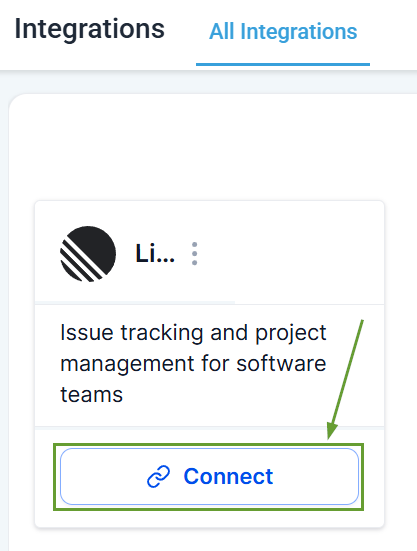
First, head to the Integration section inside your account settings and click “connect” under Linear.
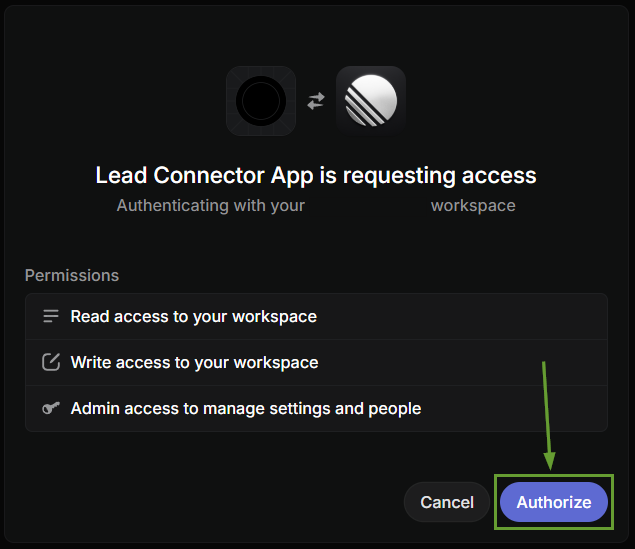
Authenticate via OAuth and authorize the workspace.
Add your desired trigger or action.
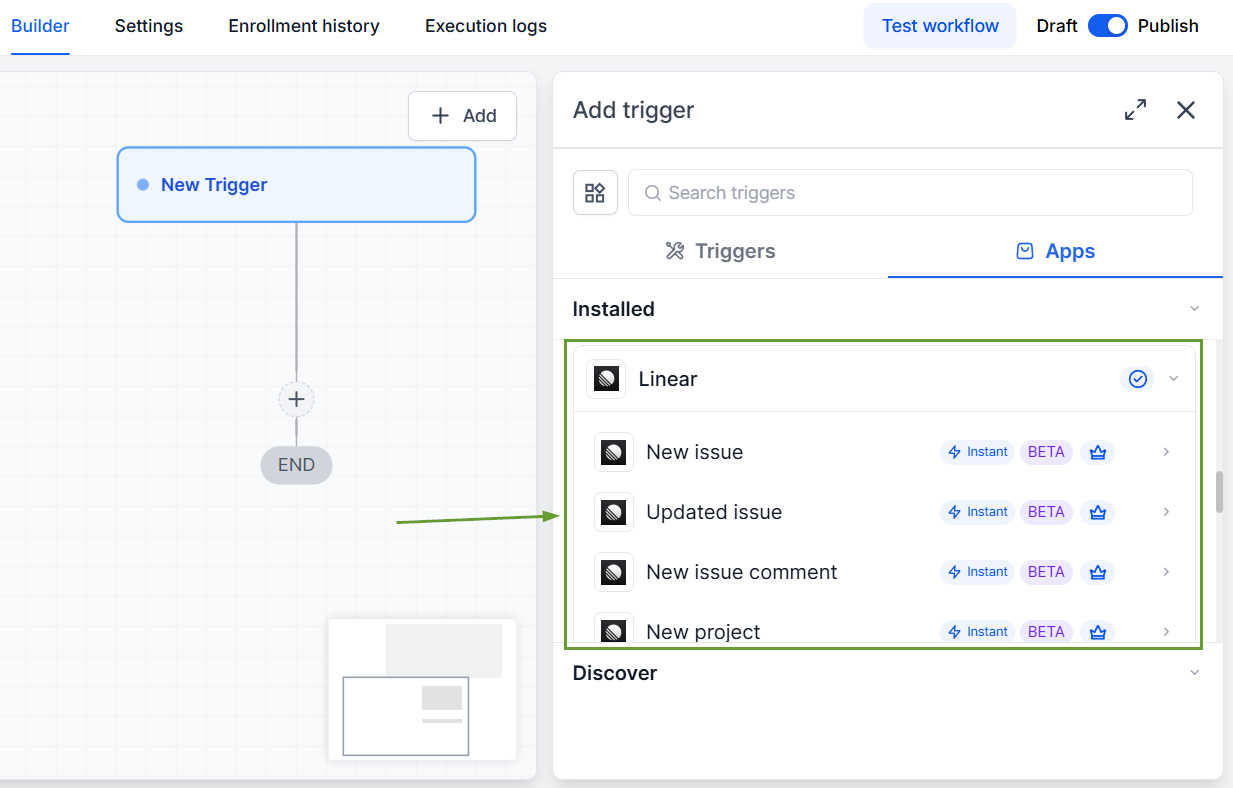
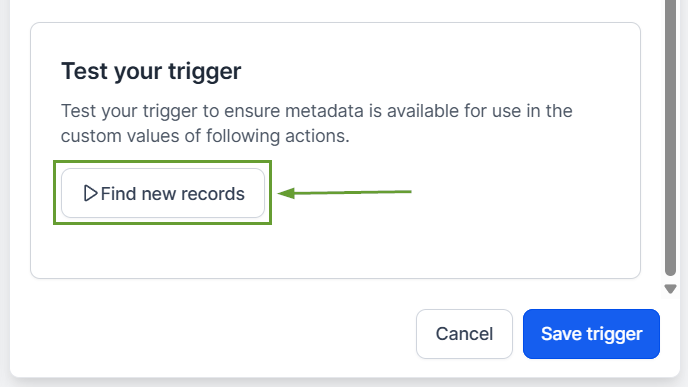
Test your Linner action or trigger before publishing.
⭐️Why Is This Feature Beneficial To Your Company?
Closed-loop Feedback: Capture bugs and feature requests as customer-attributed Linear records, then notify the original reporter when work ships with webhook-backed delivery.
Two-way Linking: Create Issue Attachment links a CRM record into a Linear issue and back; engineers can navigate to the customer context with one click.
Native Connection: Real-time engineering visibility into project updates and initiative updates flows into customer communications, status pages, or sales digests automatically.
Once connected, you can enjoy the connection and easy automation. With no long-lived API tokens to manage, immediate sync, and increased visibility. We hope you enjoy it!
