Stay Up To Date
We believe in keeping you in the loop with all the latest happenings in our courses and system. On this page, you'll find a comprehensive log of all the exciting changes, improvements, and additions we make to our courses and system. Whether it's a new feature, a course enhancement, or a system update, we've got you covered. Bookmark this page and check back regularly. We're committed to ensuring that your learning experience remains exceptional and that you have all the information you need to succeed.

New Features

New Updates

Resources & Tools

Important Updates
Here are some of the most recent updates we thought would be helpful to take note of
New Feature: AI Agent Action
Until now, in workflows, every decision had to be predefined as a branch, every condition anticipated, every field manually mapped. The AI Agent action changes that by letting you describe your goal and picking the tools your agent should have, so it can plan the sequence, decide the inputs, handle edge cases, and execute all within a single workflow step. Let’s learn how to use it!
⭐️ How To Use The AI Agent Action?
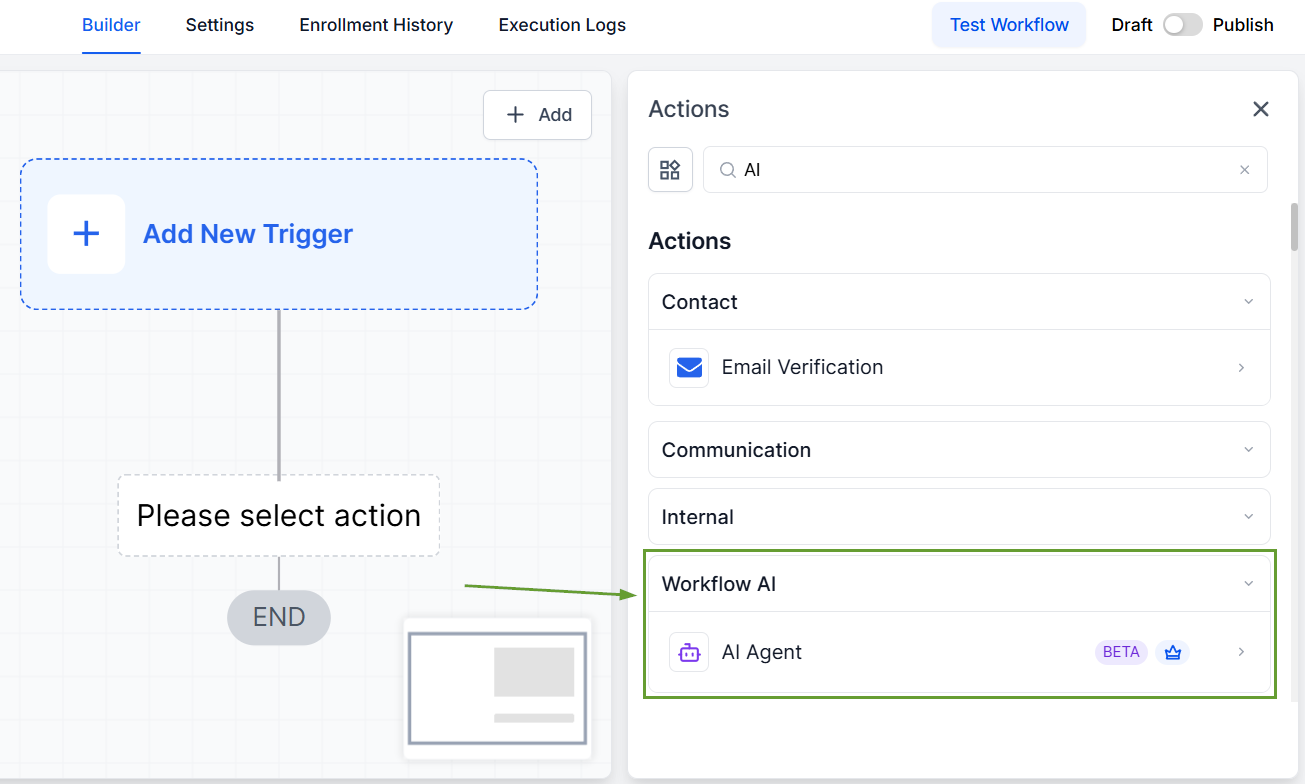
Inside the workflow builder, add the action “AI Agent.”
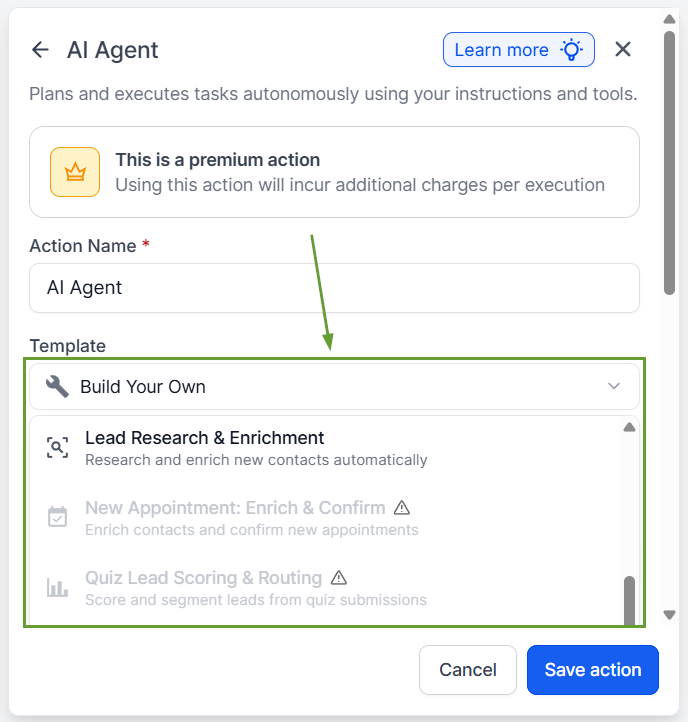
Choose a template or select Build Your Own to start from scratch.
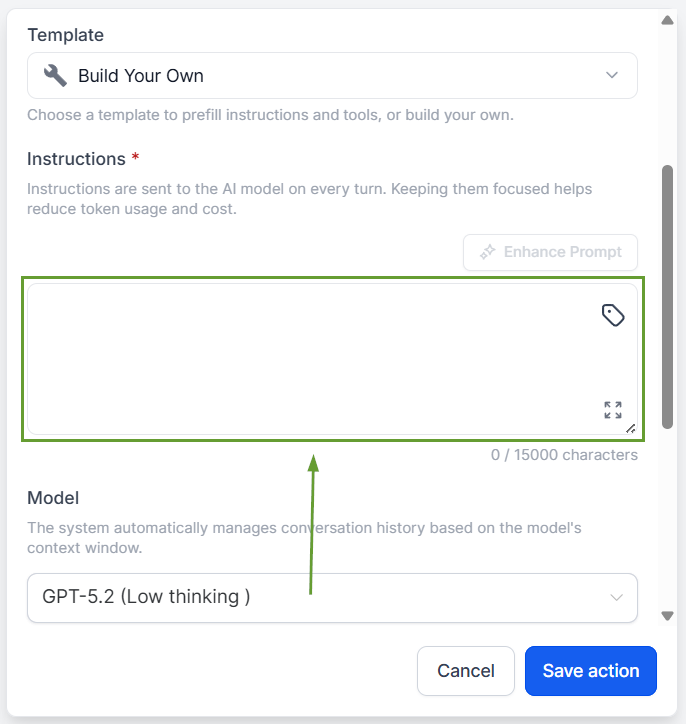
Write your instructions describing what the agent should do.
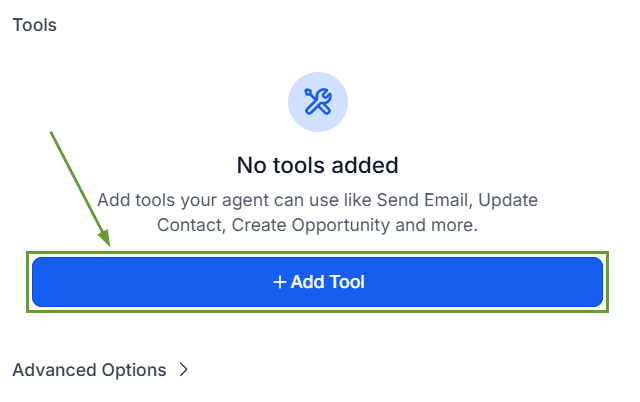
Add the tools the agent can use (up to 10 per agent).
⭐️Why Is This Feature Beneficial To Your Company?
Full CRM Awareness: The agent automatically searches and pulls context from across the entire CRM, contact details, pipeline data, calendar availability, opportunity history, and custom fields.
Advanced Options: By using advanced options, your AI Agent can retain a rolling summary of past executions for the same contact and return results as Text or JSON with a user-defined schema.
Multiple Model Options: Choose between GPT-5.2, GPT-5.1, and GPT-5 Nano to run the workflow as you prefer. GPT-5.2 Low thinking is the recommended default for most use cases.
The AI Agent transforms Workflows into a tool where a true CRM agent can evaluate context, make judgment calls, and execute actions on its own, all within the system you already know. We hope you enjoy it!
