Stay Up To Date
We believe in keeping you in the loop with all the latest happenings in our courses and system. On this page, you'll find a comprehensive log of all the exciting changes, improvements, and additions we make to our courses and system. Whether it's a new feature, a course enhancement, or a system update, we've got you covered. Bookmark this page and check back regularly. We're committed to ensuring that your learning experience remains exceptional and that you have all the information you need to succeed.

New Features

New Updates

Resources & Tools

Important Updates
Here are some of the most recent updates we thought would be helpful to take note of

New Feature: Tags for Courses
Keeping your learning products organized and discoverable is crucial to getting learners engaged. Course tags will make it easier to give your learners the content that matches their interests and skill level. Let’s learn how to add them!
⭐️ How To Add Tags To Your Courses?
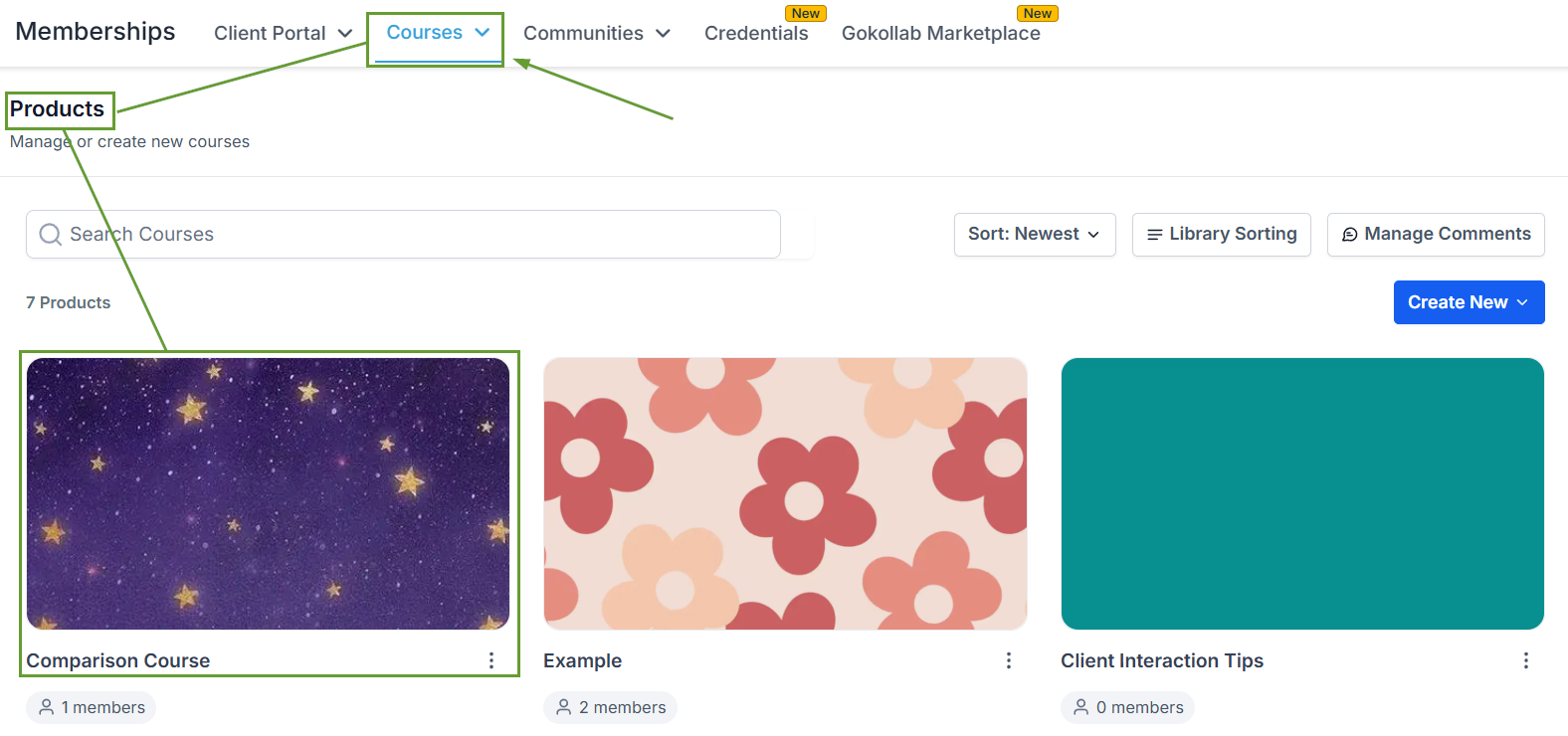
Navigate to the Products area of the Courses tab and select the product to add tags to.
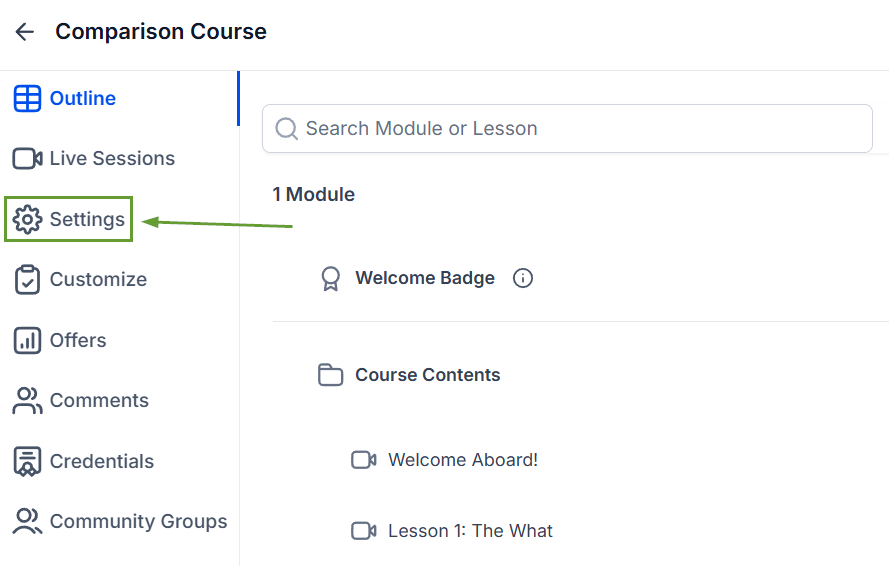
Open the Settings section.
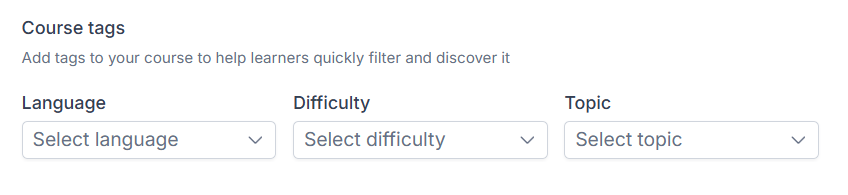
Under Course Tags, choose the appropriate Language, Difficulty, and Topic.
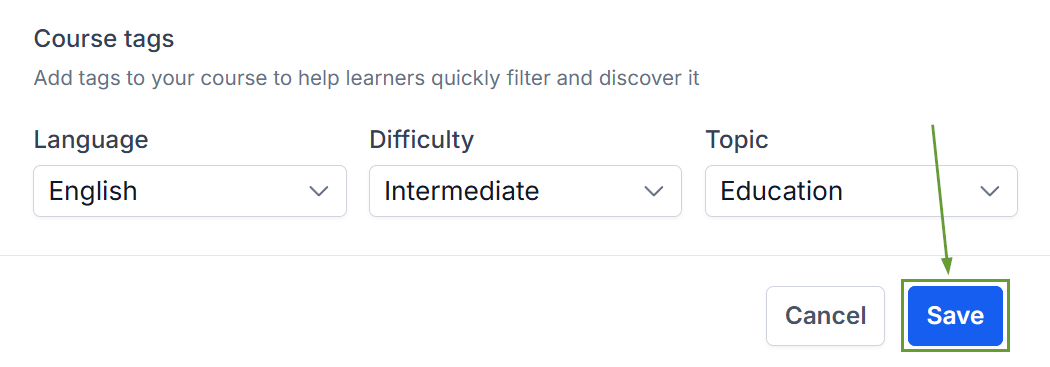
Once satisfied with the tags, click Save in the bottom right corner.
⭐️Why Is This Feature Beneficial To Your Company?
Improved Search Results: The tags help learners to quickly find courses that match their language, skill level, and interests, increasing your attendance rates.
Product Organization: Create a cleaner, more organized learning library, easily categorizing courses without relying on custom fields or manual organization.
Refined Customer Experience: Deliver a more polished, catalog-like browsing experience in the Client Portal, giving customers a comfortable learning journey.
Finding the right course just got easier! Using tags will help learners discover the perfect course for them, keeping your library organized and easily accessible.
