Stay Up To Date
We believe in keeping you in the loop with all the latest happenings in our courses and system. On this page, you'll find a comprehensive log of all the exciting changes, improvements, and additions we make to our courses and system. Whether it's a new feature, a course enhancement, or a system update, we've got you covered. Bookmark this page and check back regularly. We're committed to ensuring that your learning experience remains exceptional and that you have all the information you need to succeed.

New Features

New Updates

Resources & Tools

Important Updates
Here are some of the most recent updates we thought would be helpful to take note of

New Feature: Rentals are Live
Rentals help you manage bookable inventory, such as spaces or event supplies. Designed for duration-based, inventory-driven bookings, they help you expand your product management and accurately model your services. Let's learn how they work.
⭐️How To Create A Rental Listing?
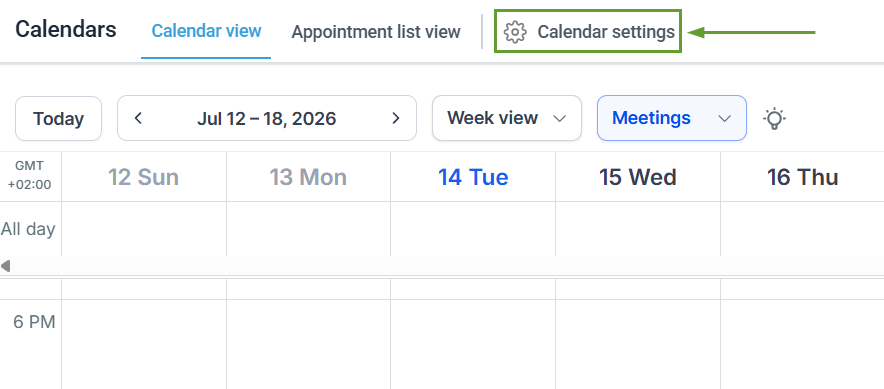
To get started, access your Calendar Settings inside your Calendars section.
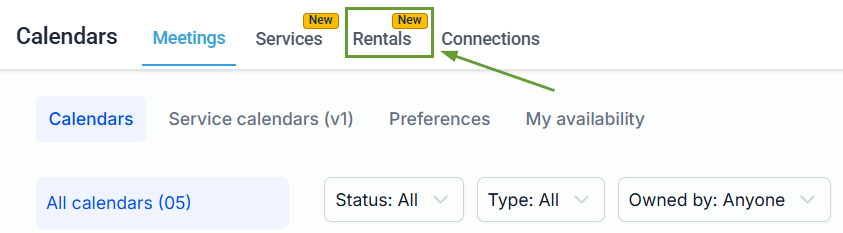
Once inside the Calendar Settings, head to the Rentals tab.
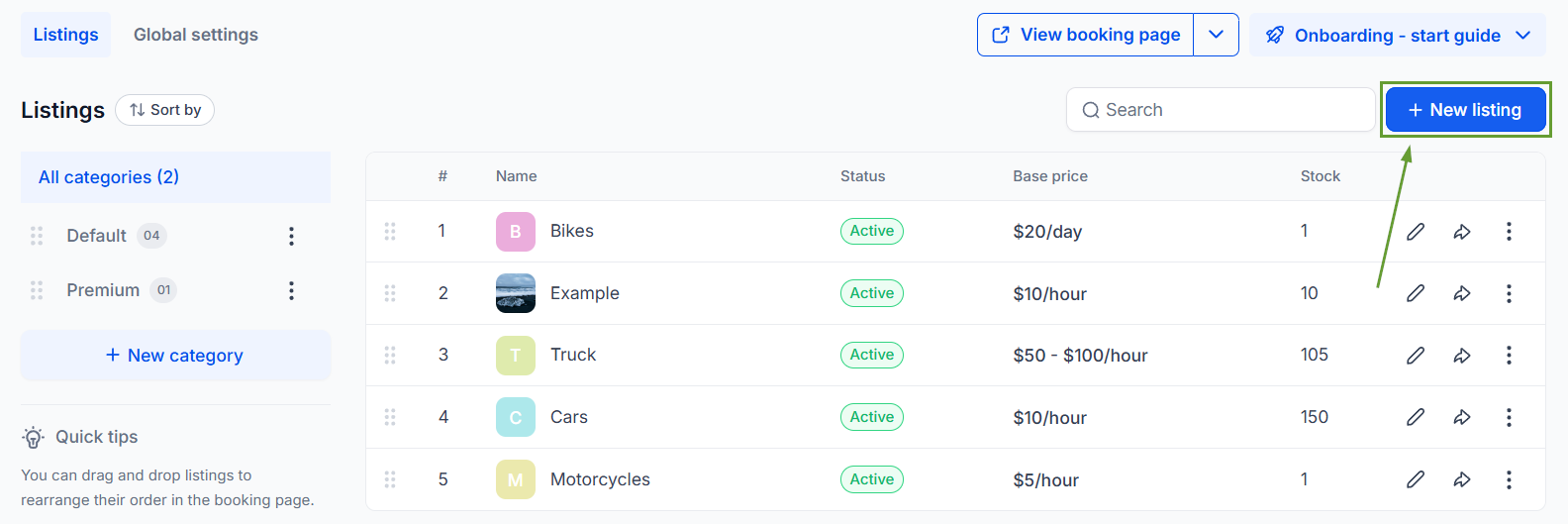
Locate the + New Listing button in the upper-right corner of the page and click it.
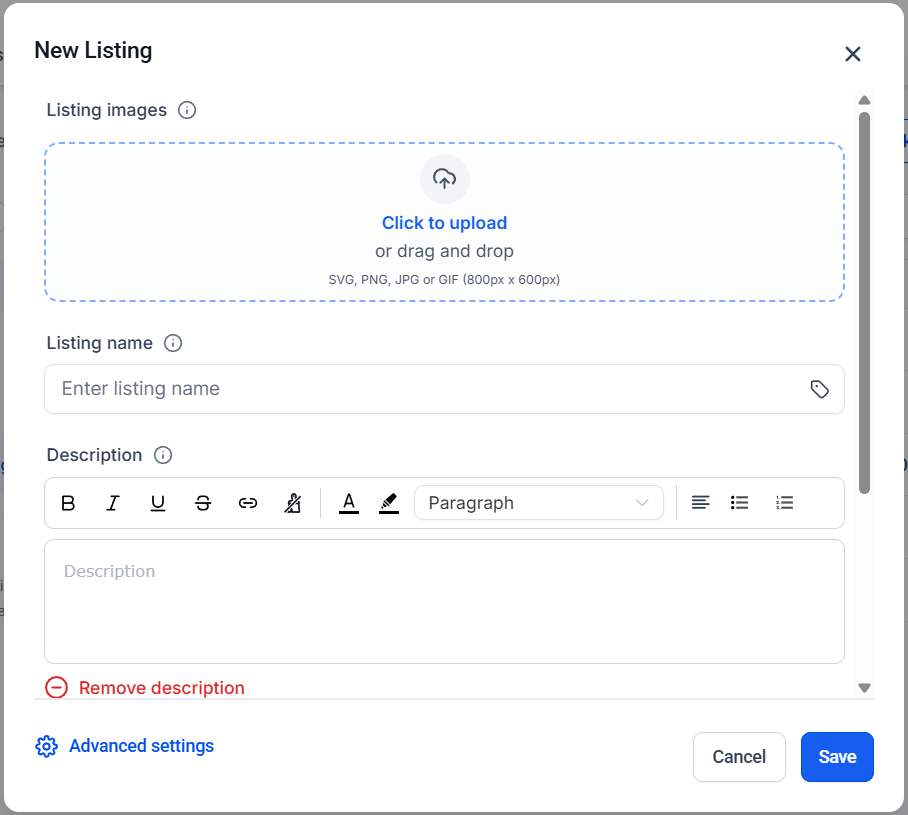
Fill out the details of your rental product Listing.
⭐️Why Is This Feature Beneficial To Your Company?
Booking Management: Rentals include a full booking management system, from creation to tracking the booking lifecycle, giving you centralized control.
Flexible Pricing Models: Configure pricing that fits your business with support for seasonal and tiered pricing, security deposits, and special offers for rental duration and quantity.
Multi-Item Bookings: Customers can book multiple rental listings in a single checkout, perfect for bundles, event setups, or combined equipment rentals.
This intuitive tool will help you expand into new verticals, like vacation, vehicle, and equipment rentals, event businesses, coworking spaces, and mobility services. We hope you enjoy it!
