Stay Up To Date
We believe in keeping you in the loop with all the latest happenings in our courses and system. On this page, you'll find a comprehensive log of all the exciting changes, improvements, and additions we make to our courses and system. Whether it's a new feature, a course enhancement, or a system update, we've got you covered. Bookmark this page and check back regularly. We're committed to ensuring that your learning experience remains exceptional and that you have all the information you need to succeed.

New Features

New Updates

Resources & Tools

Important Updates
Here are some of the most recent updates we thought would be helpful to take note of
Improved Feature: Preview in Media Storage
We're making it easier to inspect files without leaving the Media Library. You can now preview many more file types directly in the existing preview modal, with no download required. Let's check the changes!
⭐️How Do These Changes Affect You?:
Expanded File-Type Support: The Media Library now supports in-browser previews for 3D Models, Word documents (.docx), PDF, Excel, CSV, text, code, and audio files.
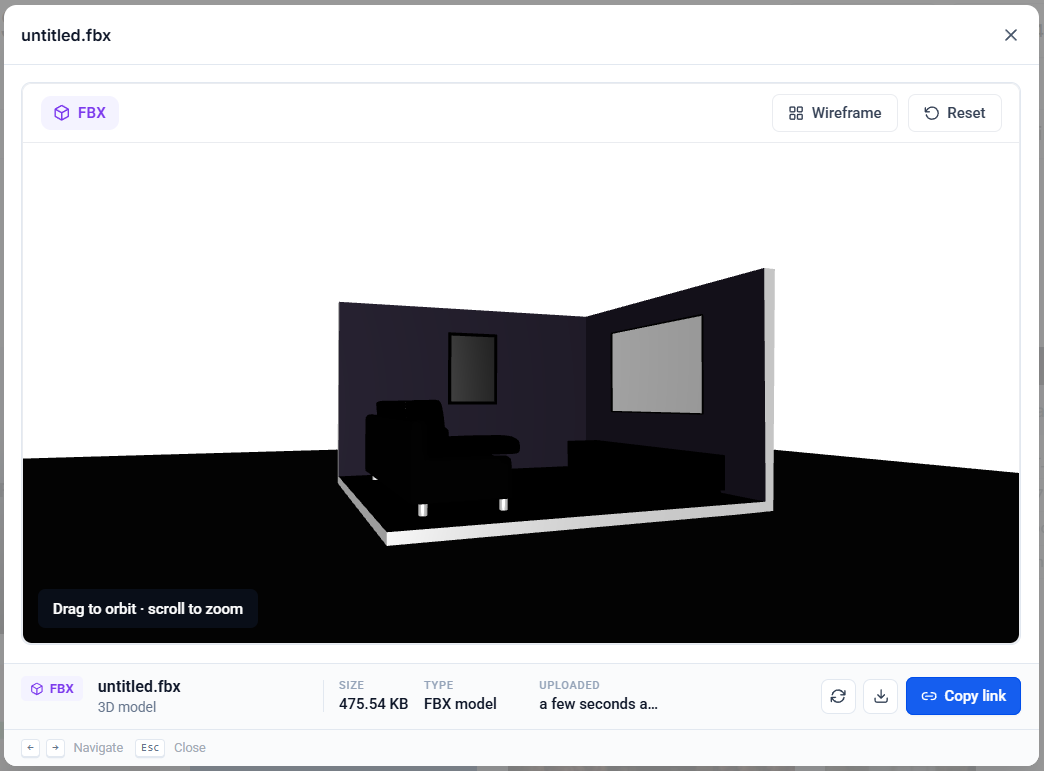
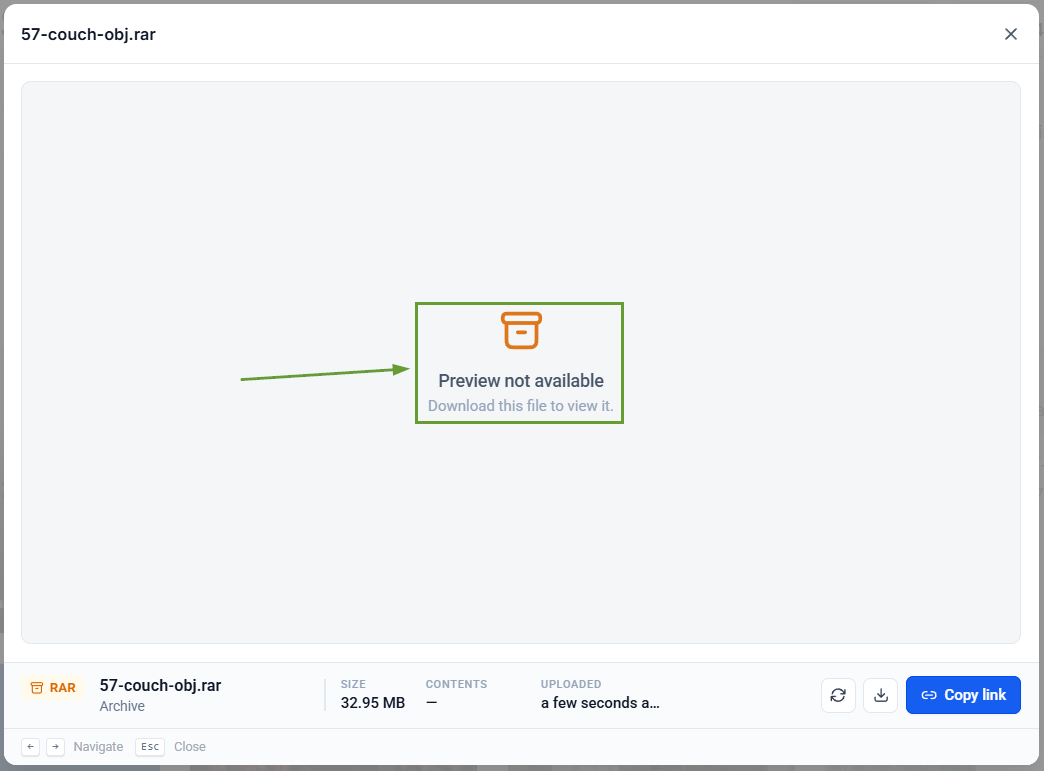
Validation Messaging: Unsupported file types will display an improved Preview Not Available message when browser preview is not supported.
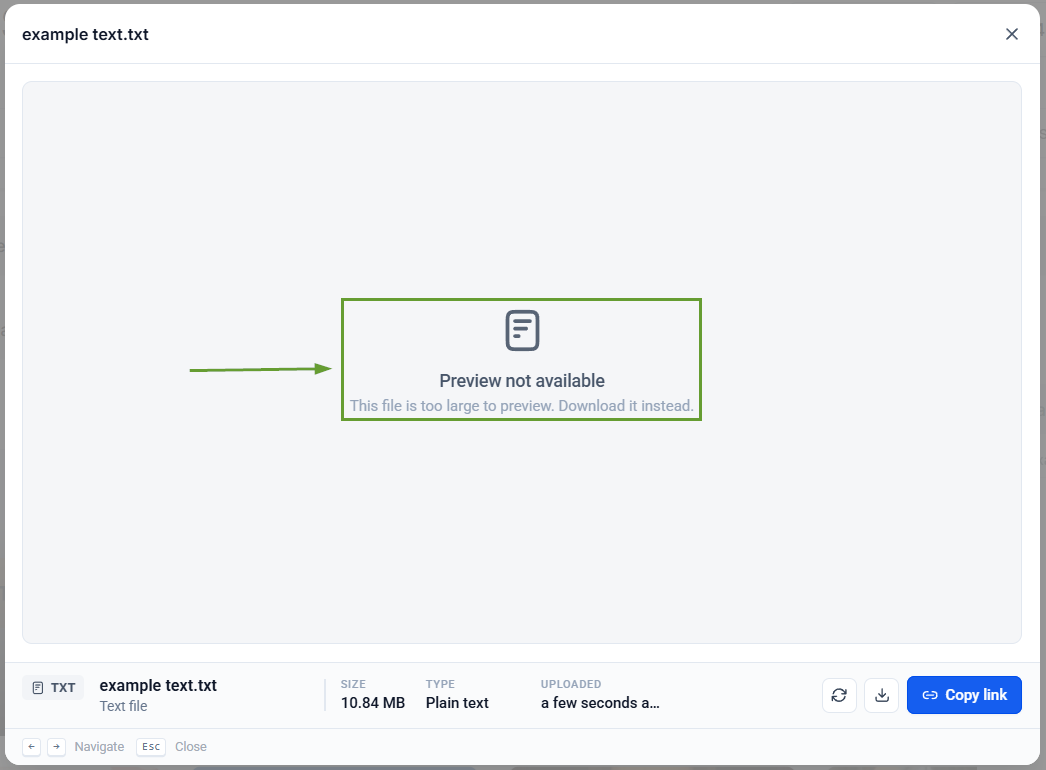
Preview Size Limits: Files that exceed limits will display a “Too Large to Preview” message with an option to download the file instead.
⭐️How To Preview A File In Media Storage?
Let’s go over how to view a file with these improvements!
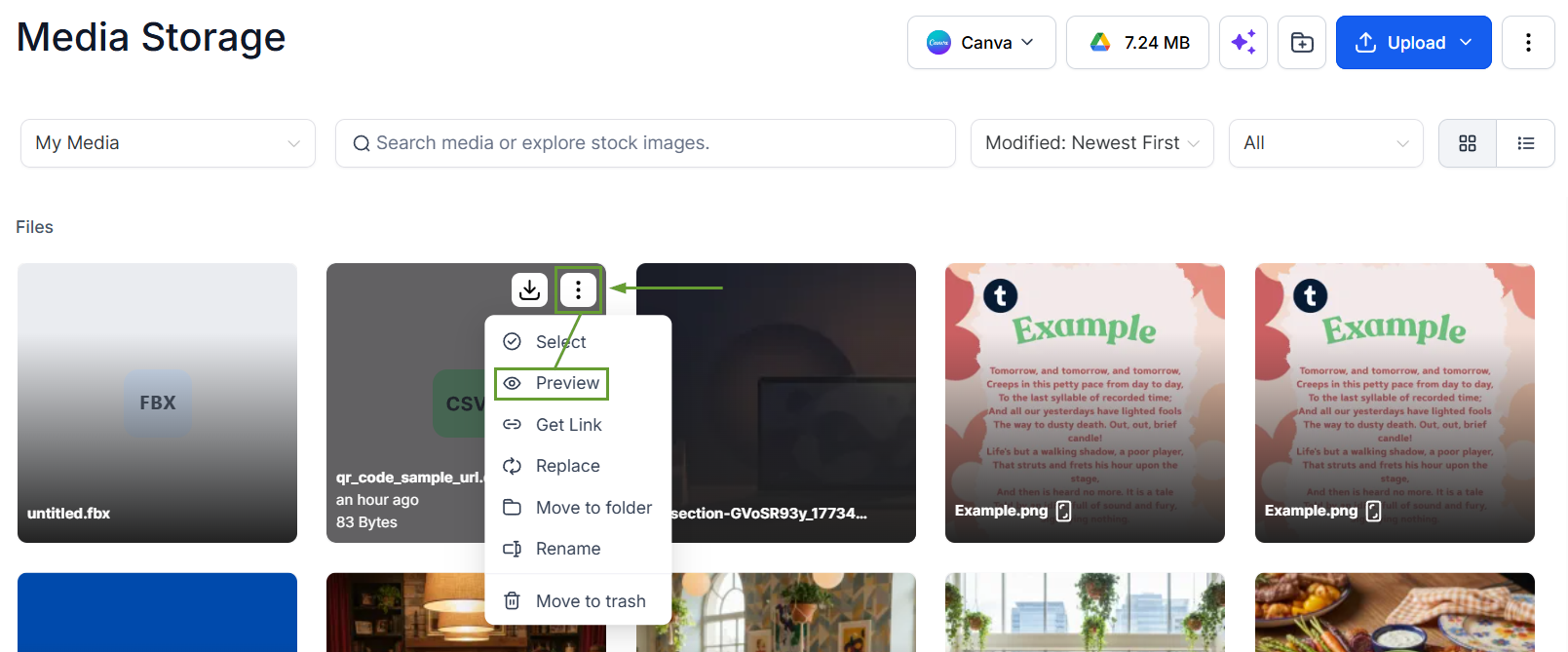
In the Media Library, click the three-dot icon next to your desired file and choose Preview from the right-click menu.
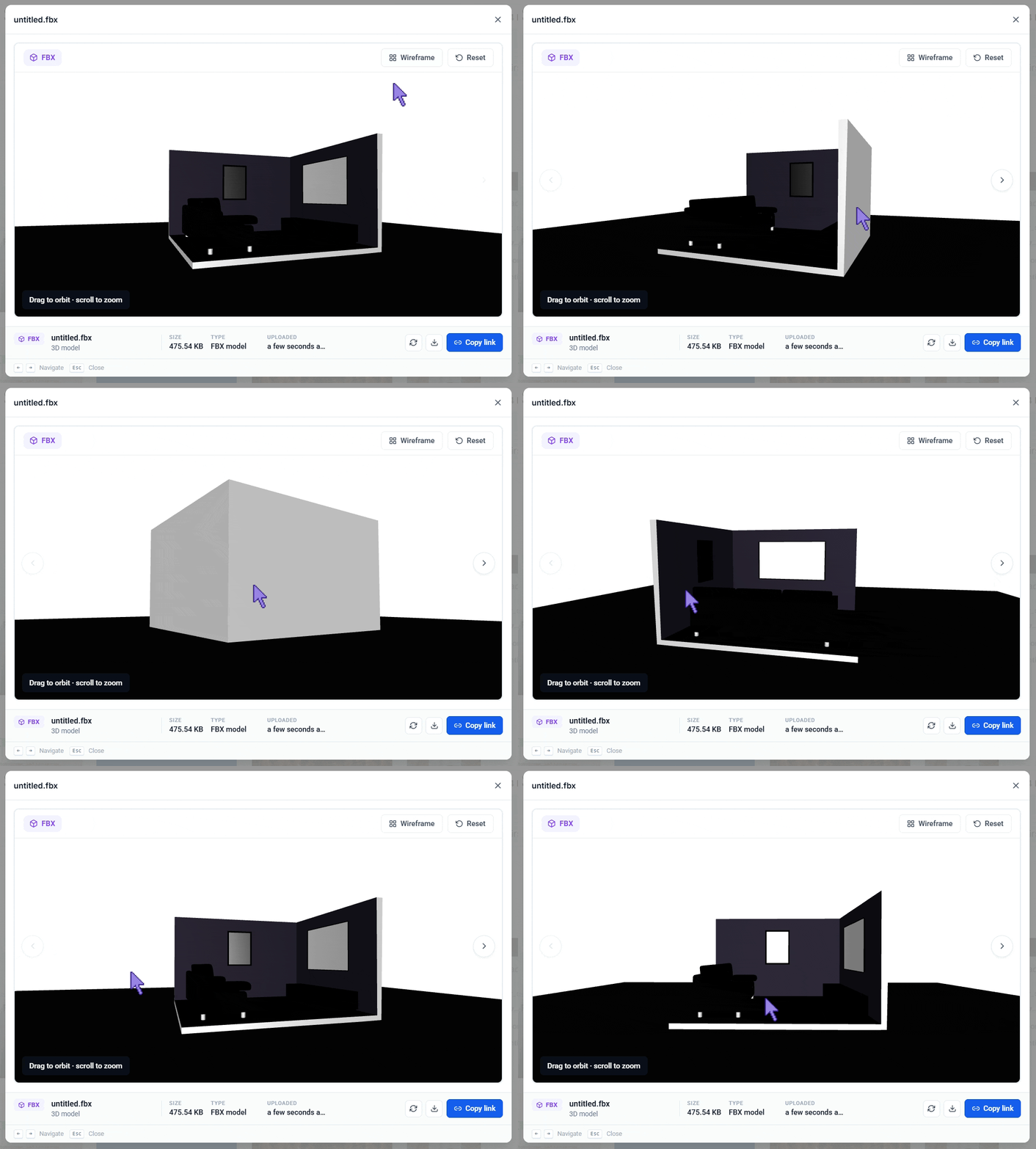
The correct viewer will open automatically based on the file type for you to interact with.
This helps you better manage your Media Storage, keeping your files updated and usable easily. We hope you enjoy it!
