Stay Up To Date
We believe in keeping you in the loop with all the latest happenings in our courses and system. On this page, you'll find a comprehensive log of all the exciting changes, improvements, and additions we make to our courses and system. Whether it's a new feature, a course enhancement, or a system update, we've got you covered. Bookmark this page and check back regularly. We're committed to ensuring that your learning experience remains exceptional and that you have all the information you need to succeed.

New Features

New Updates

Resources & Tools

Important Updates
Here are some of the most recent updates we thought would be helpful to take note of
New Feature: Google Merchant Center Integration for Stores
Google Merchant Center is a free tool that lets you upload and manage product data so items can appear across Google surfaces. We’ve added support as a Marketplace app so you can connect Ecommerce stores and sync eligible products for visibility. Let’s learn how to use it!
⭐️ How To Use Google Merchant Center?
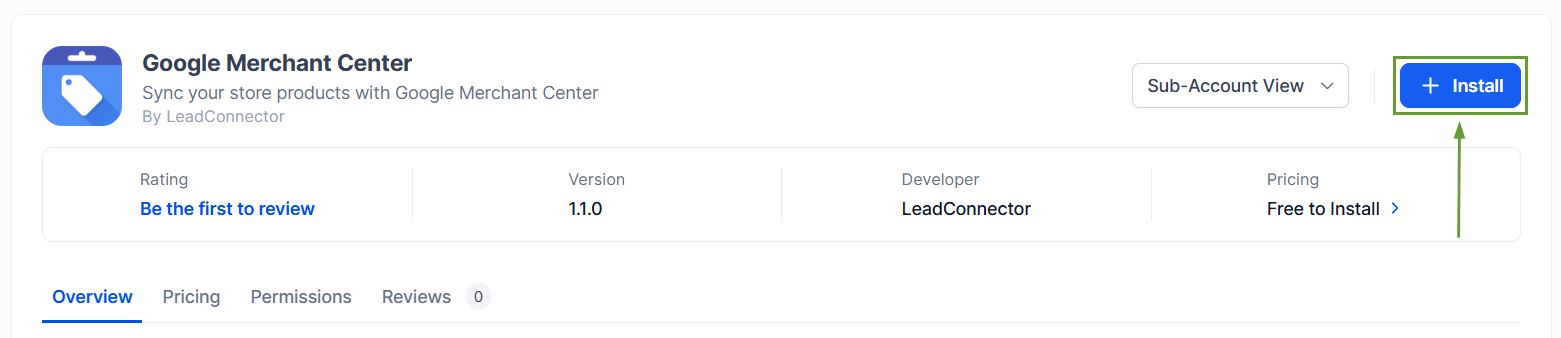
Open Marketplace and install the Google Merchant Center app, then connect your Google account.
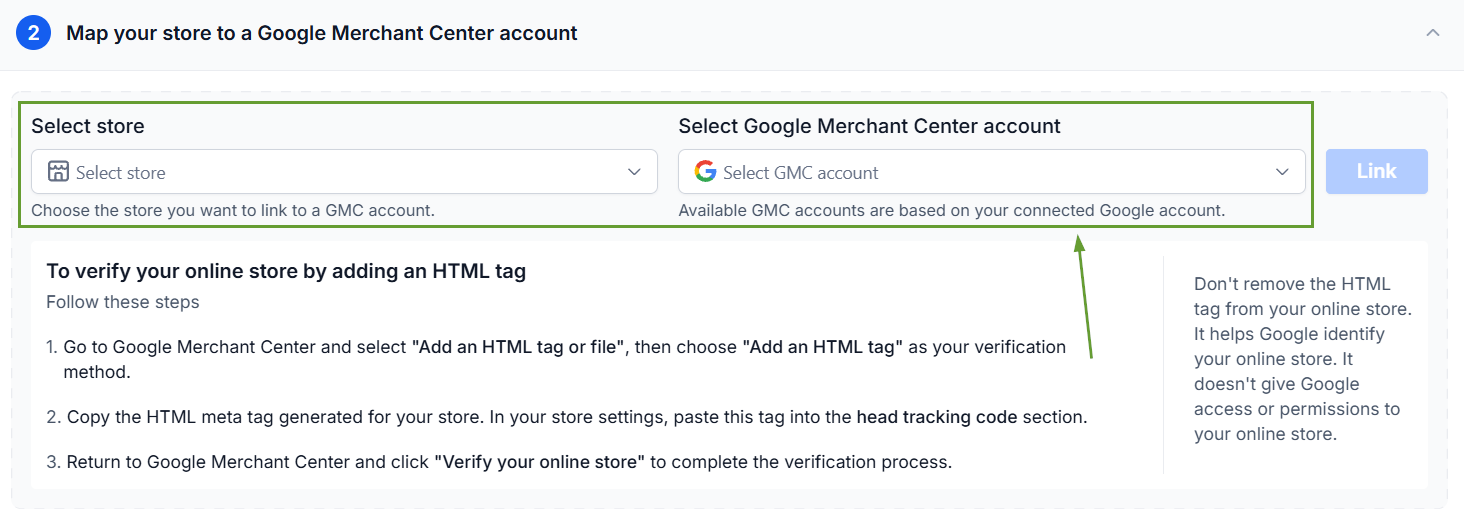
Select the Ecommerce Store and Merchant Center account you want to connect.
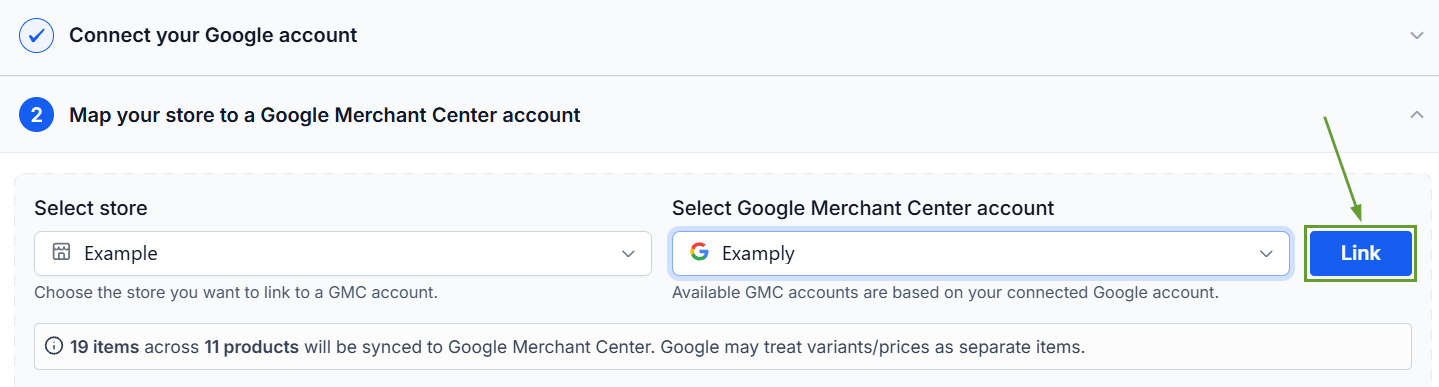
Complete the setup to start syncing eligible Store Products assigned to that store.
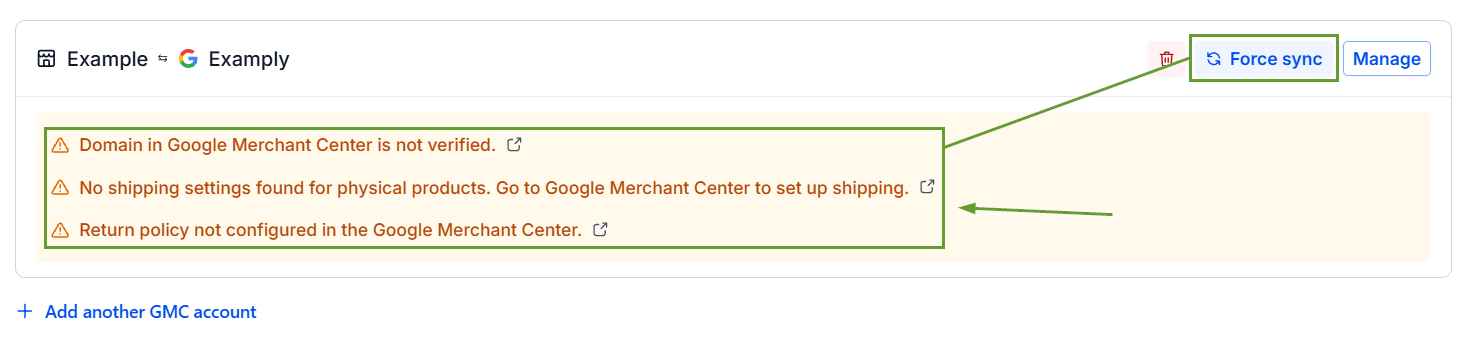
Review sync status, errors, or warnings and use Force Sync when a manual refresh is required.
⭐️Why Is This Feature Beneficial To Your Company?
Merchant Validated Syncs: Google reviews submitted products and determines their approval and eligibility, letting you create Google Ads easily.
Multiple Store Connections: Multiple Store-to-Merchant Center mappings are supported, which allows you to advertise all of your e-commerce stores with your Google products.
Errors & Product Issues: Relevant errors and warnings are shown during and after linking to help merchants resolve issues that may affect product approval.
Google may require additional time to process, review, and approve newly submitted products. A successful synchronization means the product was submitted to Google, allowing it to go through the approval process for publication. We hope you enjoy it!
