Stay Up To Date
We believe in keeping you in the loop with all the latest happenings in our courses and system. On this page, you'll find a comprehensive log of all the exciting changes, improvements, and additions we make to our courses and system. Whether it's a new feature, a course enhancement, or a system update, we've got you covered. Bookmark this page and check back regularly. We're committed to ensuring that your learning experience remains exceptional and that you have all the information you need to succeed.

New Features

New Updates

Resources & Tools

Important Updates
Here are some of the most recent updates we thought would be helpful to take note of

New Feature: Facebook Text Posts with Backgrounds
We brought Facebook’s native background post experience directly into Social Planner, adding the tools to create, schedule, and publish colorful text posts without switching to Facebook manually. Let’s learn how to use it!
⭐️ How To Create Facebook Text Posts with Backgrounds?
Head to the Social Planner tab inside the Marketing section and create a new post.
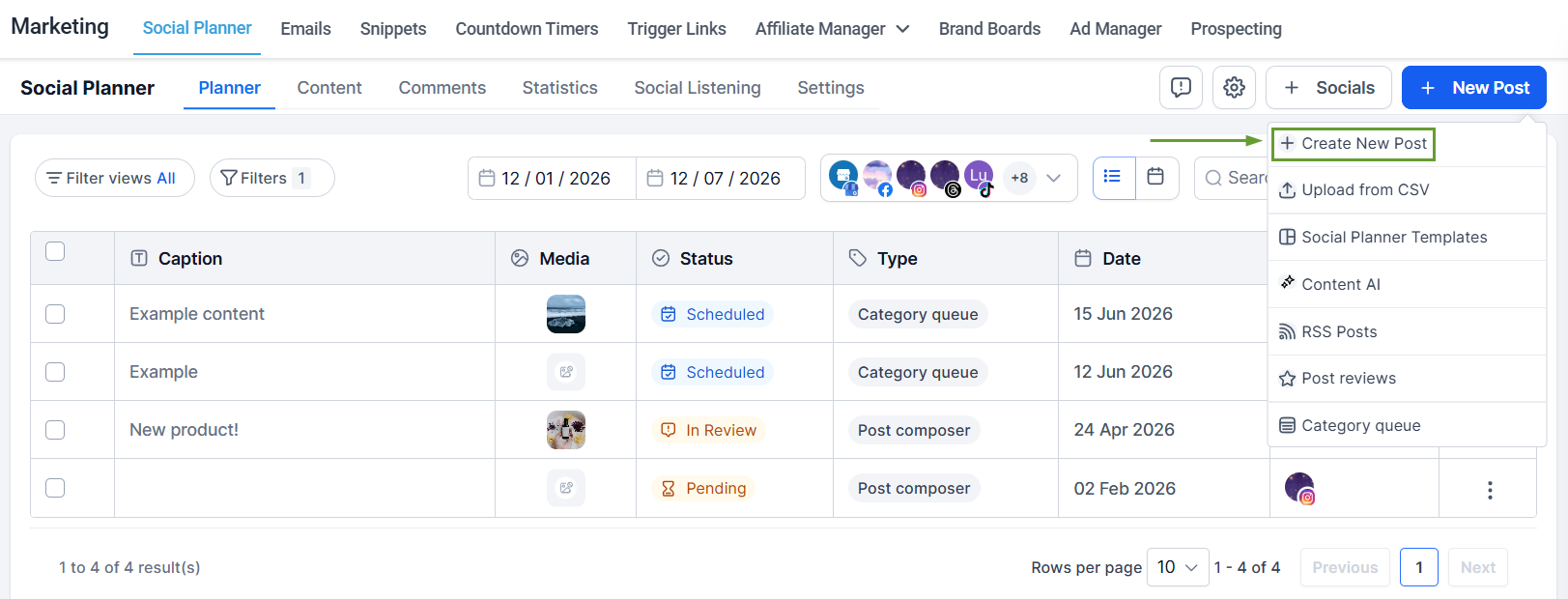
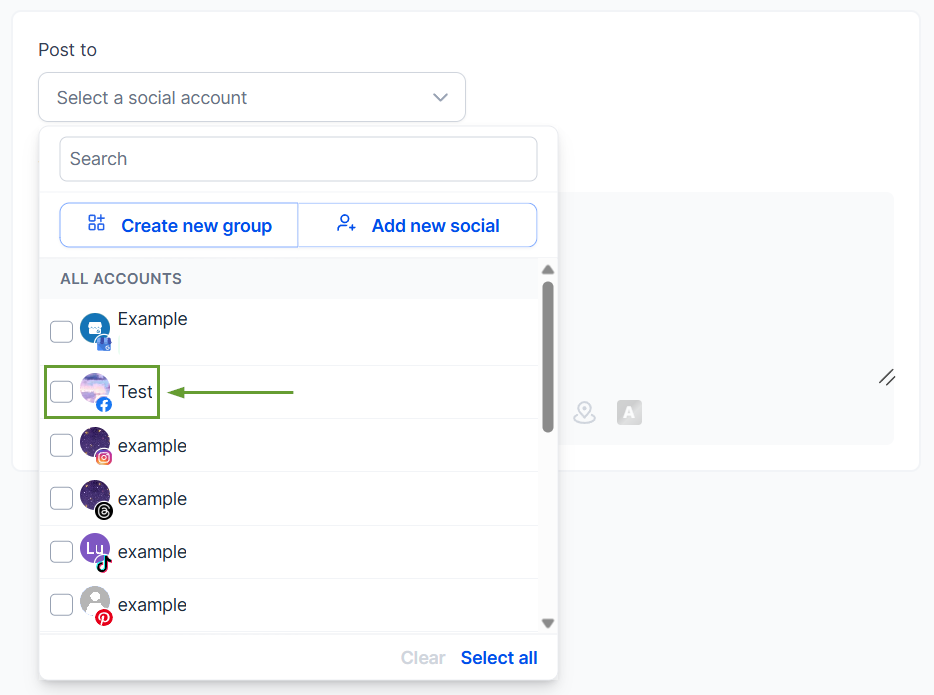
Select Facebook as your platform while creating it.
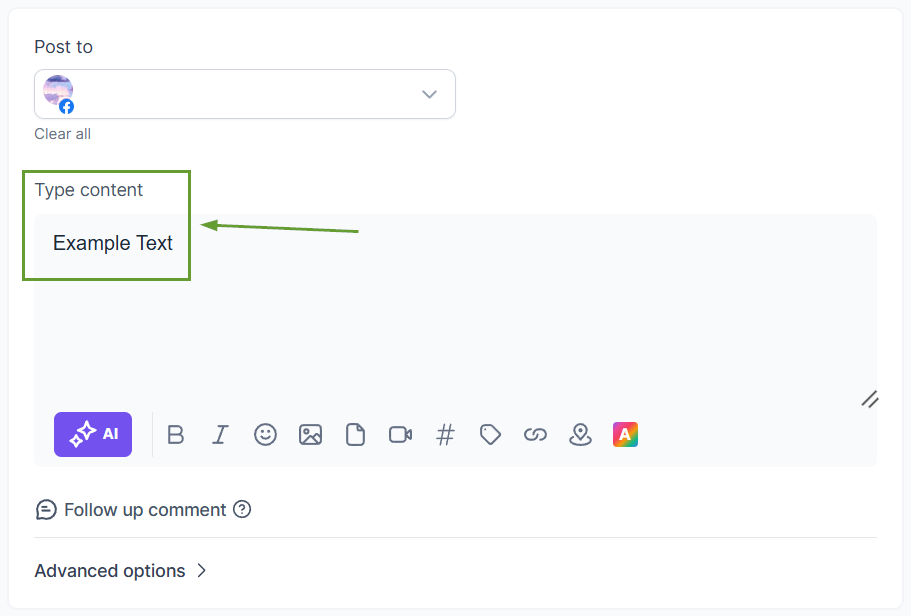
Enter your text in the content area.
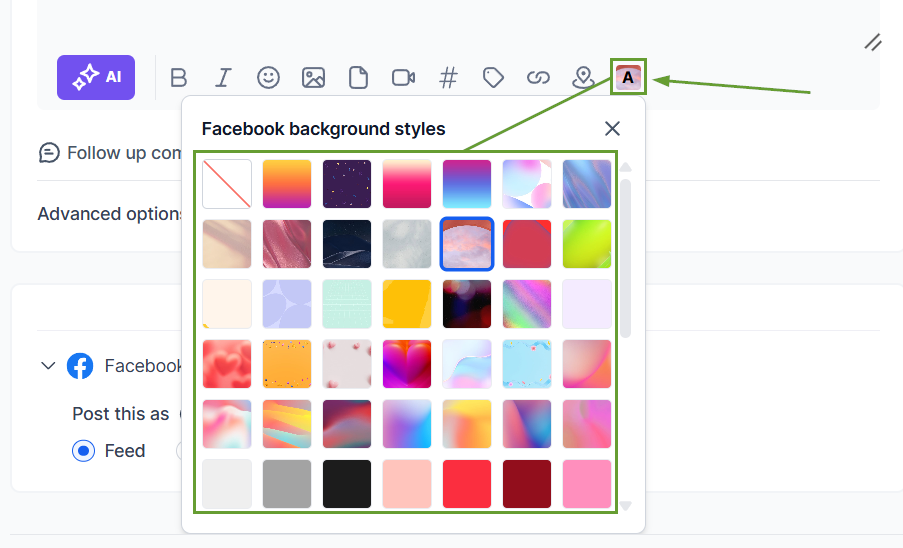
Click Text Background and select your desired style.
⭐️Why Is This Feature Beneficial To Your Company?
Native Background Posts: Create more engaging posts with the fully integrated post composer, reducing dependence on native Facebook posting.
Background Picker: Increase visibility in crowded social feeds by using the new Text Background option to browse multiple background presets.
Real-Time Preview: The composer now mirrors Facebook’s native appearance for background posts, helping you speed up content creation workflows.
This feature will help you easily grow your audience without slowing your team’s performance, and automatically manage background compatibility through the integrated validation. We hope you enjoy it!
