Stay Up To Date
We believe in keeping you in the loop with all the latest happenings in our courses and system. On this page, you'll find a comprehensive log of all the exciting changes, improvements, and additions we make to our courses and system. Whether it's a new feature, a course enhancement, or a system update, we've got you covered. Bookmark this page and check back regularly. We're committed to ensuring that your learning experience remains exceptional and that you have all the information you need to succeed.

New Features

New Updates

Resources & Tools

Important Updates
Here are some of the most recent updates we thought would be helpful to take note of
Improved Feature: Embed Code in Forms
We’ve improved the embed experience for forms, surveys, and quizzes by adding more control over modal sizing and making key builder actions more reliable while a form is loading. Let's check the changes!
⭐️How To Manage Modal Height For Embedded Forms?
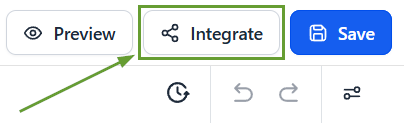
Open a Form in the builder, and click Integrate once the builder finishes loading
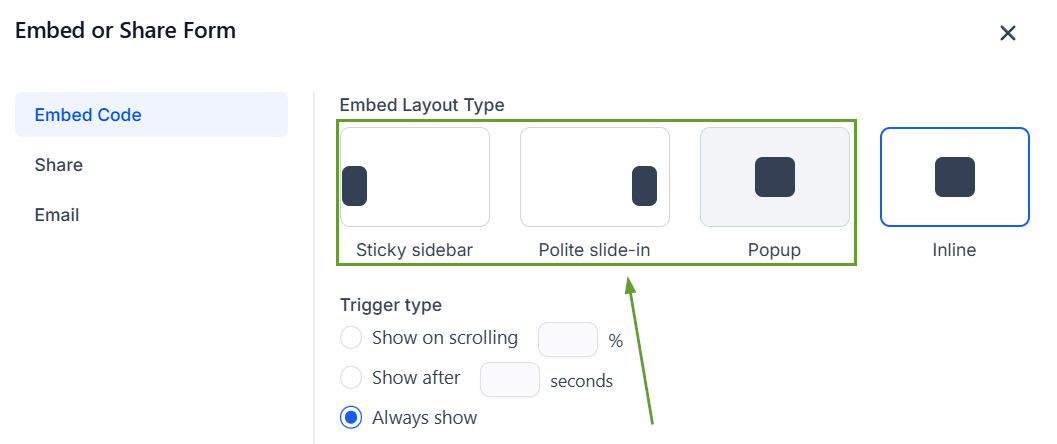
Select Embed Code and choose Popup, Polite Slide-in, or Sticky Sidebar.
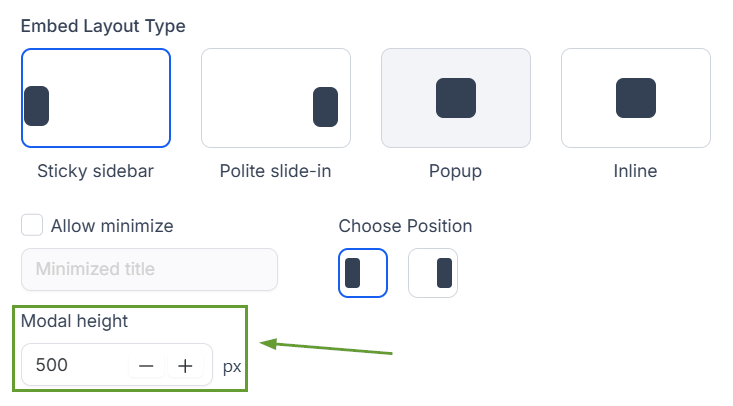
Enter a value in the modal height.
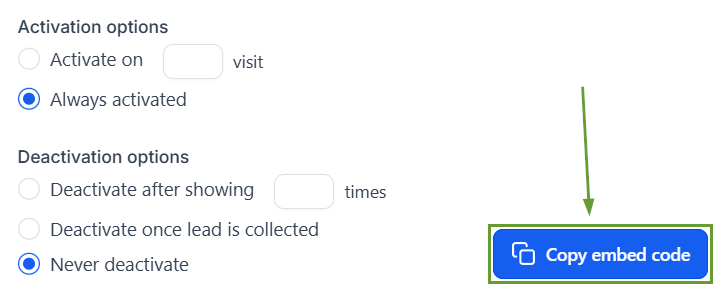
Copy and use the embed code.
⭐️Why Is This Feature Beneficial To Your Company?
Improved Layout Designs: Help avoid awkward modal sizing across pages and screens, giving you more control over how embedded forms appear on your site.
Intuitive Interface: Preview, Integrate, and Save are now disabled until the builder fully loads, preventing clicks that don’t do anything.
Backwards Compatibility: Existing embeds continue to work the same way unless a modal height is added, which keeps older embeds fully backward compatible.
The added control makes it easier to create interesting forms that encourage your audience to interact with your business. Ensuring your website is a fully charged lead magnet. We hope you enjoy it!
