Stay Up To Date
We believe in keeping you in the loop with all the latest happenings in our courses and system. On this page, you'll find a comprehensive log of all the exciting changes, improvements, and additions we make to our courses and system. Whether it's a new feature, a course enhancement, or a system update, we've got you covered. Bookmark this page and check back regularly. We're committed to ensuring that your learning experience remains exceptional and that you have all the information you need to succeed.

New Features

New Updates

Resources & Tools

Important Updates
Here are some of the most recent updates we thought would be helpful to take note of

Improved Feature: Email Support in Conversation AI
Conversation AI can now help respond to incoming emails with the same intelligence and personalization available across other chat channels, including support for email-specific features. Let's check the changes!
⭐️How Will These Changes Affect You?:
Advanced Email Configuration: A dedicated configuration layer is available for email-specific formatting and design.
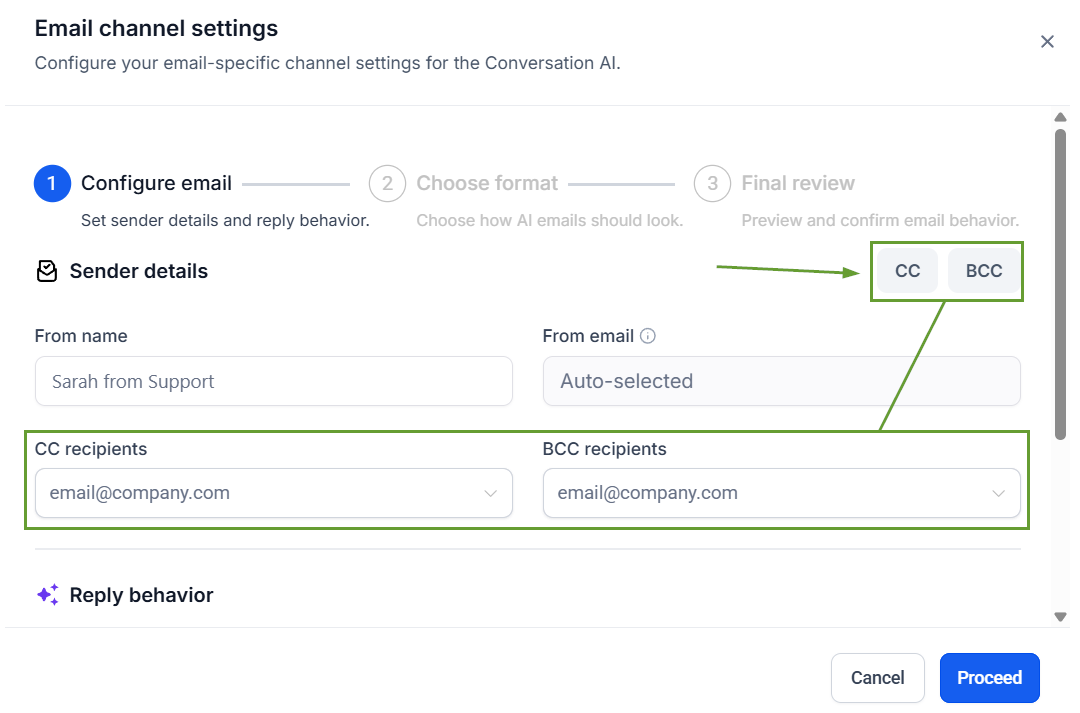
CC and BCC Support: You can define default recipients for all AI responses.
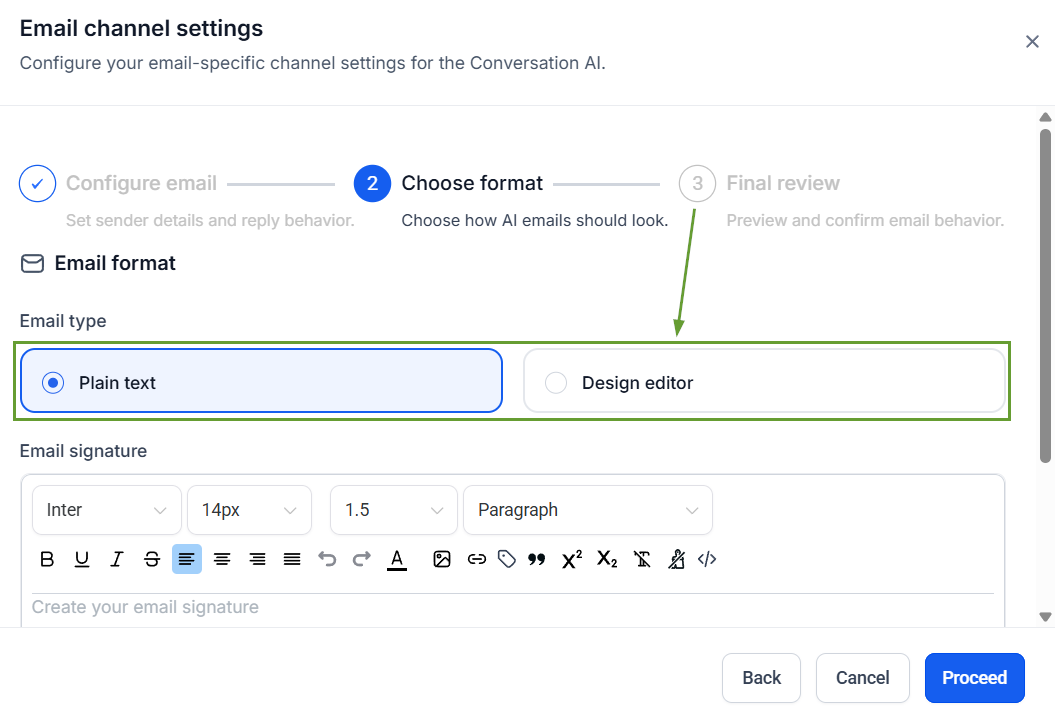
Email Formatting: Select between plain text and the design editor to create a format that the AI agent can follow.
⭐️How To Enable Inbound Email Responses?
Let's learn how to add and configure the email channel in your conversation AI agents!
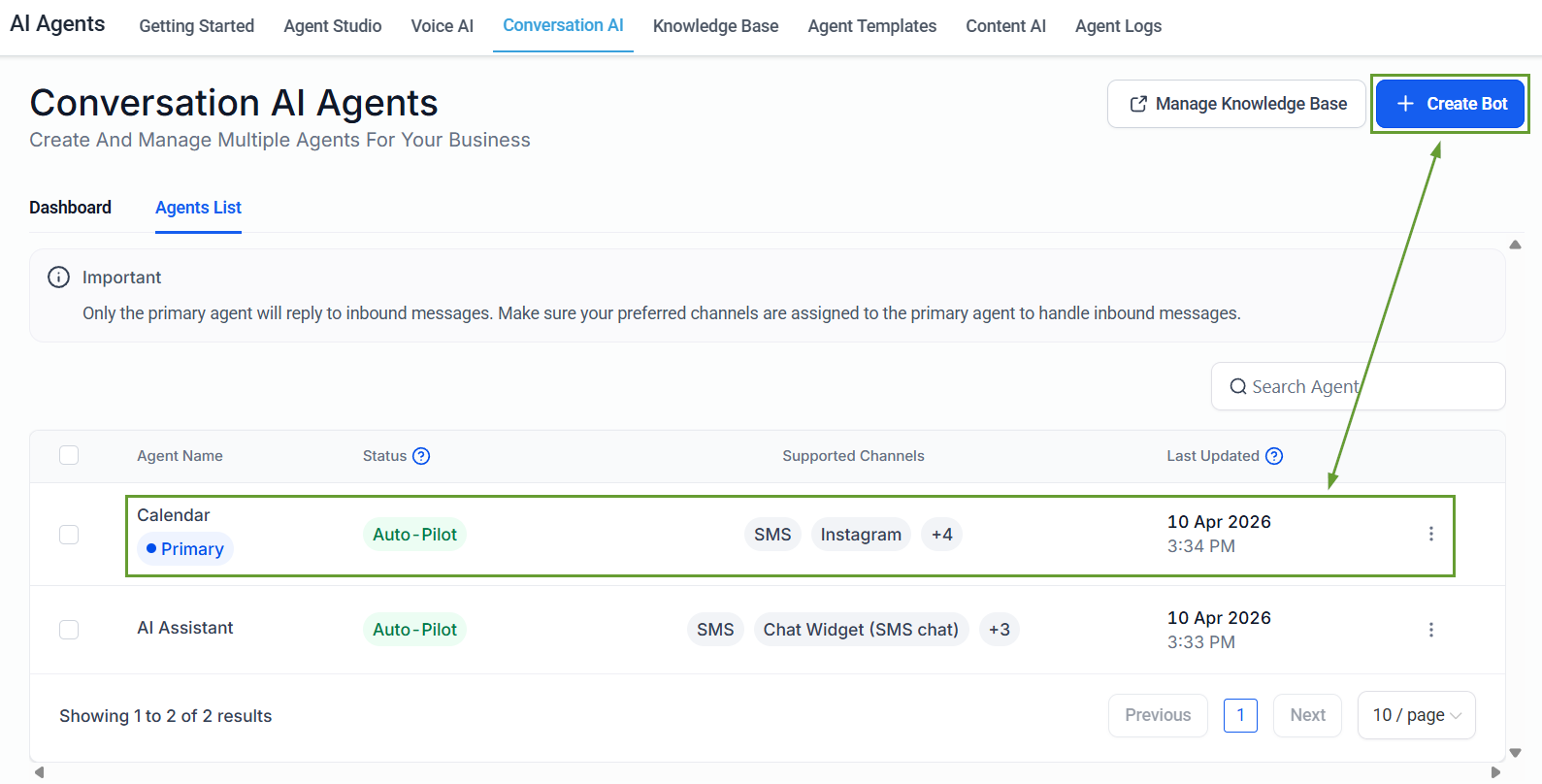
To start, navigate to the Conversation AI tab in the AI Agents section. Within Conversation AI, you can edit an already existing bot or create a new bot.
Enable the email channel from the channel dropdown inside the "Bot Settings."
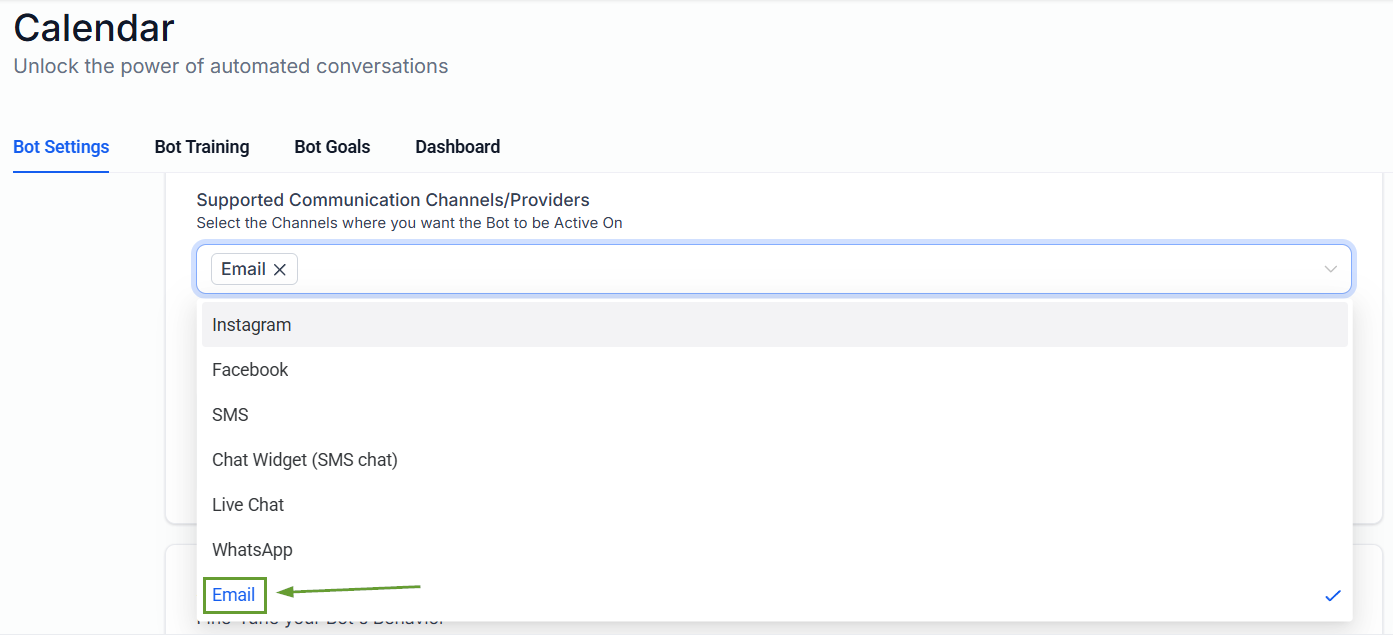
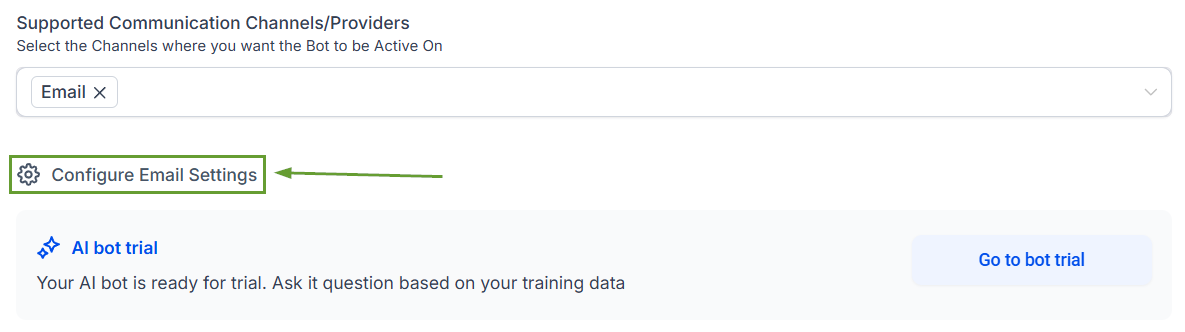
Click Configure Email Settings to set the response details.
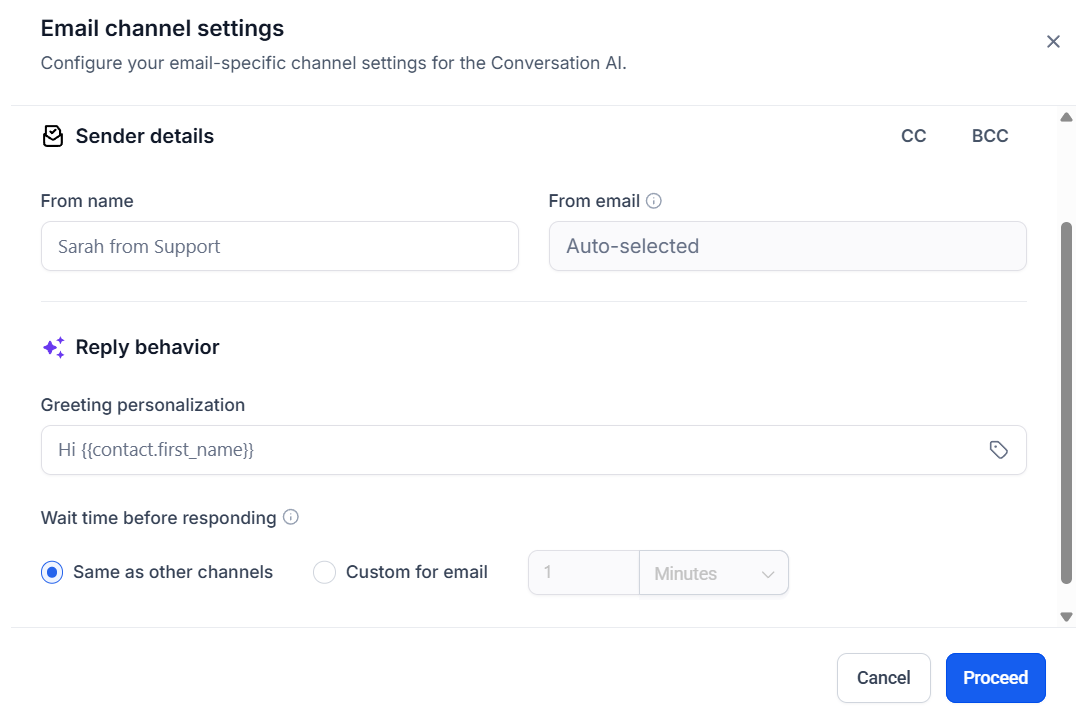
Set the sender details and reply behavior, then click Proceed.
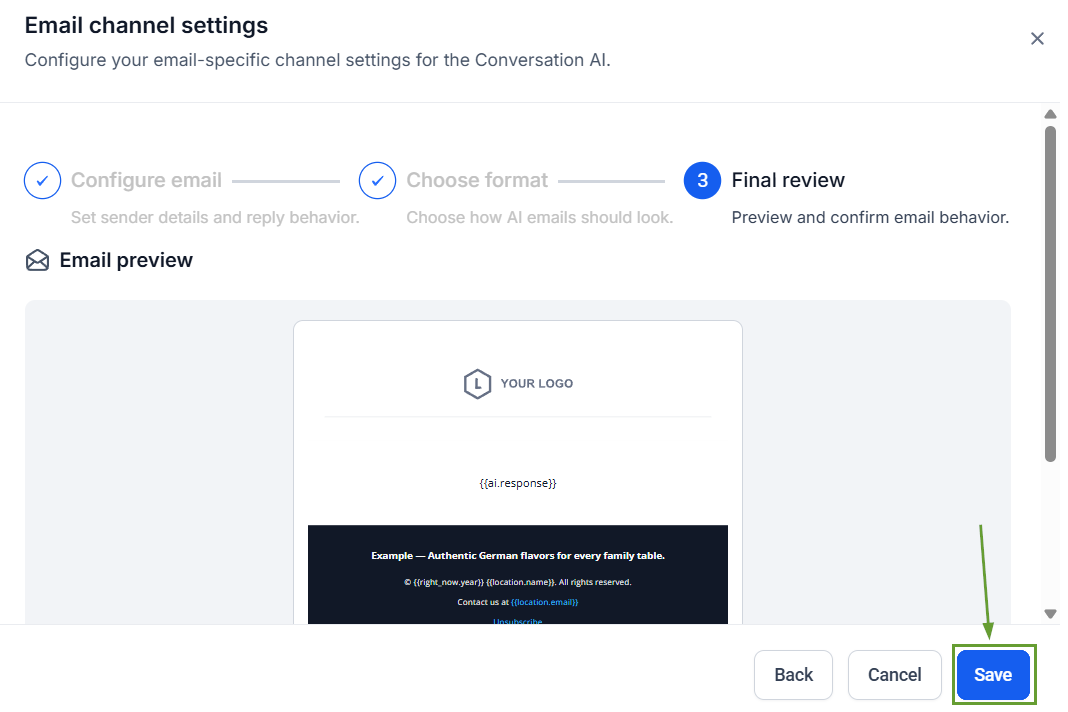
Create your email template, review it, and once satisfied, click save.
This enables Conversation AI to provide a unified automation experience across chat and email, easily processing and responding automatically based on configured rules and context. We hope you enjoy it!
